Understanding try...catch in JavaScript: How to Handle Errors Properly
Learn how JavaScript errors work and how to prevent your app from crashing using try...catch. Includes simple examples, async caveats, custom errors, JSON parsing, and best practices for writing robust, user-friendly code.

Martin Ferret
December 21, 2025
In JavaScript, errors can happen at any time: a bug in the code, an unexpected server response, malformed data, or simply a typo. By default, when an error occurs, the script stops running immediately.
To avoid that, there’s a simple and effective way to catch errors and handle them gracefully: the try...catch block.
How does it work?
The basic syntax looks like this:
try {
    // Code that might throw an error
} catch (err) {
    // Code to handle the error
}
JavaScript runs the code inside the try block normally. If an error happens, it stops executing the try block and jumps to the catch block, where the error is accessible through the variable err.
If no error occurs, the catch block is skipped.
Simple example
Without error:
try {
    alert('Start of try block');
    alert('End of try block');
} catch (err) {
    alert('This message will not show');
}
With an error:
try {
    alert('Start of try block');
    lalala; // undefined variable → error
    alert('This line will not execute');
} catch (err) {
    alert('An error occurred!');
}
What to keep in mind
try...catchonly catches runtime errors, not syntax errors. Invalid code won’t run at all, sotrycan’t catch it.- It doesn’t catch errors inside asynchronous functions or callbacks unless you put a
try...catchinside those functions.
For example, this won’t catch the error:
try {
  setTimeout(() => {
    nonDefinedVar; // Error here, but not caught
  }, 1000);

} catch (err) {
    alert("This error won't be caught here");
}
But if you put the try inside the callback, it works:
setTimeout(() => {
  try {
    nonDefinedVar;
  } catch (err) {
    alert("Error caught inside setTimeout");
  }
}, 1000);
The error object in catch
The catch block receives an error object with useful info:
name: the error type (e.g., "ReferenceError")message: a description of what went wrongstack: full call stack, helpful for debugging
try {
    lalala;
} catch (err) {
    alert(err.name);    // ReferenceError
    alert(err.message); // lalala is not defined
    alert(err.stack);   // full stack trace
}
Shorter syntax
If you don’t need the error object, you can omit it:
try {
    // ...
} catch {
    // Some logic
}
Real use case: parsing JSON
let json = '{"name":"John", "age":30}';

try {
    let user = JSON.parse(json);
    alert(user.name); // Shows "John"
} catch (err) {
    alert("Invalid JSON data");
}
If the JSON is malformed:
let json = '{ bad json }';

try {
    let user = JSON.parse(json);
} catch (err) {
    alert("Invalid JSON, please check your data.");
    alert(err.name);    // SyntaxError
    alert(err.message); // Unexpected token ...
}
Throwing your own errors with throw
Sometimes you want to trigger an error yourself, for example if the data is valid JSON but missing required info.
let json = '{ "age": 30 }';

try {
    let user = JSON.parse(json);
    if (!user.name) {
        throw new SyntaxError("Incomplete data: name is missing");
    }

    alert(user.name);
} catch (err) {
    alert("Data error: " + err.message);
}
Re-throwing errors with throw
Sometimes you only want to handle specific errors and let others bubble up:
try {
    let user = JSON.parse(json);

    if (!user.name) throw new SyntaxError("Name missing");

} catch (err) {
    if (err instanceof SyntaxError) {
        alert("JSON error: " + err.message);
    } else {
        throw err; // Re-throw unknown errors
    }
}
In short, try...catch is essential for making your JavaScript code more robust and preventing unexpected errors from crashing your app. Used well, it helps you manage errors gracefully and improves user experience.
Ready to prove your JavaScript skills?
Get certified in JavaScriptMore JavaScript articles
Keep learning JavaScript. Then get certified when you are ready.

Iterator Helpers: Lazy Pipelines in JavaScript
ES2025 added map, filter, take and drop to iterators. Learn how lazy pipelines skip intermediate arrays, handle infinite sequences, and where they do not help.
Martin Ferret
Oct 6, 2026
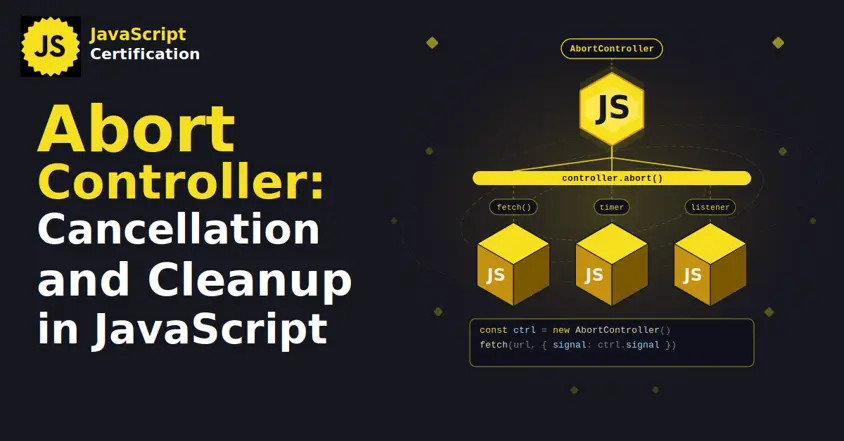
AbortController: Cancellation and Cleanup in JavaScript
AbortController does more than cancel a fetch. Learn how one signal cleans up event listeners, times out requests, and combines with AbortSignal.any().
Martin Ferret
Sep 22, 2026
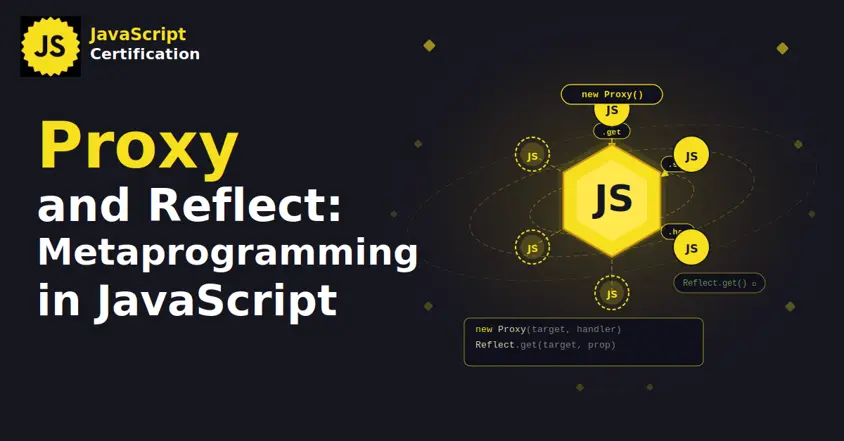
Proxy and Reflect: Metaprogramming in JavaScript
Learn how JavaScript Proxy and Reflect intercept object operations: the 13 traps and why Reflect matters.
Martin Ferret
Sep 8, 2026