
Promises in JavaScript: Receipts for Future Values and Advanced Patterns
JavaScript Promises manage future values with clean async handling. Learn how Promise.all, race, allSettled, and any simplify parallel tasks, timeouts, and error management.

Martin Ferret
September 30, 2025
In JavaScript, Promises work like receipts for future values.
When you place an order (make an asynchronous request), you immediately get a receipt (the Promise). The actual item (the resolved value) arrives later.
This model makes asynchronous code easier to read and maintain than nested callbacks. More importantly, Promises enable advanced patterns that help you manage multiple tasks in powerful and efficient ways.
Advanced Promise Patterns
Promise.all: run tasks in parallel and wait for all
Use this when you need to start several asynchronous operations and continue only once every single one has completed.
const api1 = fetch("/users");
const api2 = fetch("/posts");

Promise.all([api1, api2])
  .then(([users, posts]) => {
    console.log("Data loaded:", users, posts);
  })
  .catch(err => console.error("Error:", err));
Best for: loading multiple resources before rendering a page.
Promise.race: the first one wins
This resolves or rejects as soon as the first Promise settles.
const slow = new Promise(r => setTimeout(() => r("slow"), 2000));
const fast = new Promise(r => setTimeout(() => r("fast"), 500));

Promise.race([slow, fast]).then(value => {
  console.log("Result:", value); // "fast"
});
Best for: implementing timeouts.
Promise.allSettled: know the outcome of all
Unlike Promise.all, this waits for every Promise to settle, regardless of whether they resolve or reject
const p1 = Promise.resolve("ok");
const p2 = Promise.reject("error");

Promise.allSettled([p1, p2]).then(results => {
  console.log(results);
  // [
  //   { status: "fulfilled", value: "ok" },
  //   { status: "rejected", reason: "error" }
  // ]
});
Best for: reporting all results without failing early.
Promise.any: the first successful one
This returns the first Promise that resolves successfully, ignoring rejections.
const p1 = Promise.reject("fail");
const p2 = new Promise(r => setTimeout(() => r("success"), 1000));

Promise.any([p1, p2]).then(result => {
  console.log(result); // "success"
});
Best for: trying multiple strategies (mirrors, fallbacks) and keeping the first valid response.
These patterns are essential for modern applications where asynchronous operations are everywhere.
Ready to prove your JavaScript skills?
Get certified in JavaScriptMore JavaScript articles
Keep learning JavaScript. Then get certified when you are ready.
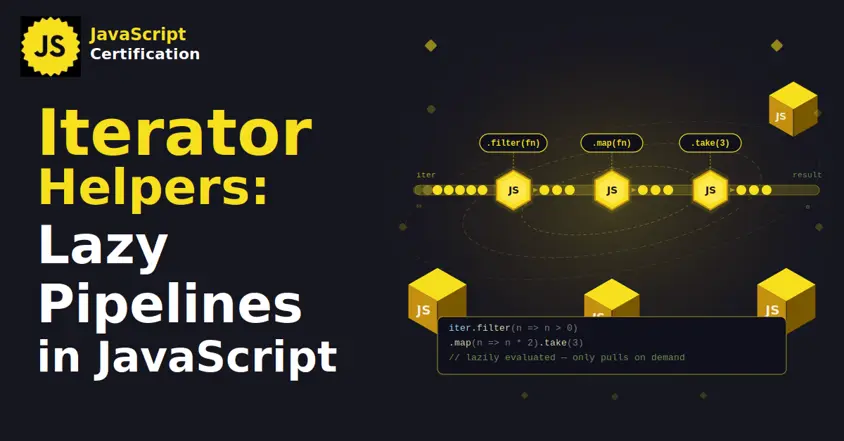
Iterator Helpers: Lazy Pipelines in JavaScript
ES2025 added map, filter, take and drop to iterators. Learn how lazy pipelines skip intermediate arrays, handle infinite sequences, and where they do not help.
Martin Ferret
Oct 6, 2026
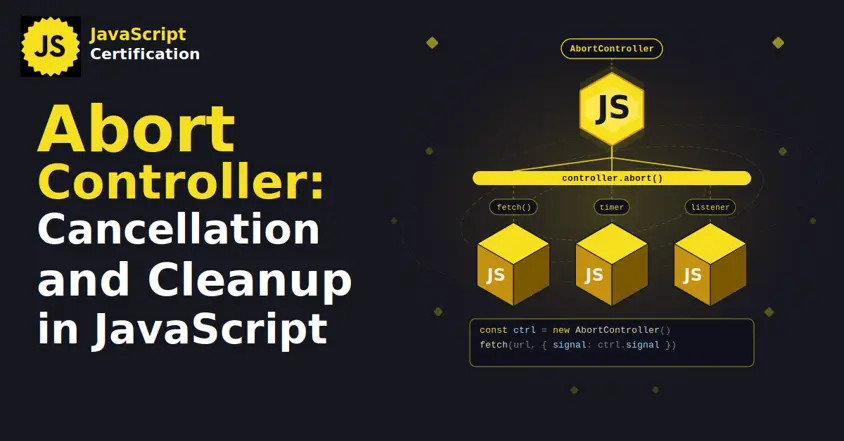
AbortController: Cancellation and Cleanup in JavaScript
AbortController does more than cancel a fetch. Learn how one signal cleans up event listeners, times out requests, and combines with AbortSignal.any().
Martin Ferret
Sep 22, 2026

Proxy and Reflect: Metaprogramming in JavaScript
Learn how JavaScript Proxy and Reflect intercept object operations: the 13 traps and why Reflect matters.
Martin Ferret
Sep 8, 2026