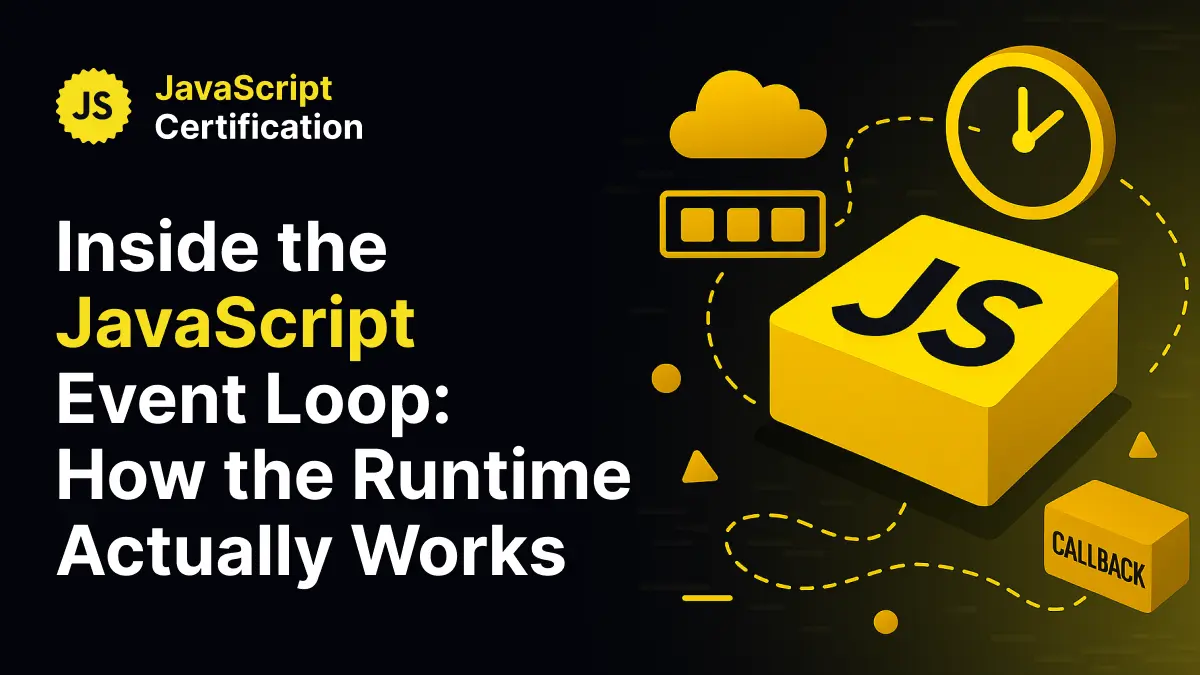
Inside the JavaScript Event Loop: How the Runtime Actually Works
Understand the JavaScript event loop in depth. Learn how the call stack, microtasks, and macrotasks work together to handle asynchronous code efficiently, keeping your applications fast, predictable, and responsive.

Martin Ferret
November 18, 2025
1. The Single-Lane Road Analogy
JavaScript runs on a single thread. You can think of it as a single-lane road where only one car, one piece of code, can drive at a time.
That car represents the call stack, the place where your currently executing functions live.
When a car needs to stop for gas, for example when a function triggers an asynchronous operation like fetch() or setTimeout(), it doesn’t block the entire road. It simply pulls over. Other cars can continue driving.
Once the gas is ready, the car rejoins the traffic flow through one of two queues: the microtask queue (for Promises, queueMicrotask, or MutationObserver) or the macrotask queue (for setTimeout, setInterval, or DOM events).
The event loop acts as the traffic controller.
It continuously checks if the road is clear. When it is, it takes the next waiting car from the queues and lets it pass, always giving priority to microtasks before macrotasks.
This system is what allows JavaScript to appear asynchronous, even though it never runs more than one task at a time.
2. The Core Components
The JavaScript runtime is built around three essential structures.
The Call Stack
This is where synchronous code executes. Each function call is pushed onto the stack and popped off when it completes.
The Heap
A large region of memory where objects, closures, and references are stored.
The Queues
These hold asynchronous tasks waiting to run once the call stack is empty.
The event loop monitors all of these. It ensures that tasks are processed in the right order, that the main thread never stays idle, and that asynchronous operations never block execution.
3. Microtasks and Macrotasks
To understand how asynchronous code executes, you need to distinguish between microtasks and macrotasks.
Microtasks such as Promises and queueMicrotask are executed immediately after the current stack clears, before the next rendering cycle. They have higher priority and will always run before any macrotask begins.
Macrotasks such as timers, events, or I/O operations run after all microtasks have finished. Each macrotask represents a new “tick” of the event loop.
Example:
console.log('Start');

setTimeout(() => console.log('Macrotask: Timeout'), 0);

Promise.resolve().then(() => console.log('Microtask: Promise'));

console.log('End');
Output:
Start
End
Microtask: Promise
Macrotask: Timeout
The promise callback executes before the timeout because microtasks are always processed first.
4. A Practical Example: Fetch and UI Updates
Consider a common UI pattern. When a user clicks a button, you show a loading message and then fetch data from an API.
button.addEventListener('click', () => {
  list.textContent = 'Loading...';

  fetch('/api/items')
    .then(res => res.json())
    .then(data => {
      list.textContent = data.join(', ');
    });
});
The text “Loading…” appears immediately because setting it is a synchronous operation.
The fetch() call runs asynchronously, and when the data is ready, the promise resolves and updates the DOM.
The event loop coordinates this without freezing the interface or blocking user interaction.
5. Why the Event Loop Matters
Understanding the event loop is essential for writing efficient JavaScript.
Performance
It helps you prevent blocking operations that slow down rendering or user input.
Predictability
It allows you to reason about task order, avoiding subtle async timing bugs.
Frameworks
Every modern frontend or backend framework such as React, Angular, or Node.js relies on the event loop’s scheduling model.
Control
Once you understand microtask and macrotask behavior, you can deliberately control when and how asynchronous code runs.
The event loop is the heartbeat of the JavaScript runtime. It manages everything that happens, from synchronous calls to asynchronous operations, one step at a time.
When you master how it moves between the stack, microtasks, and macrotasks, asynchronous JavaScript stops feeling random. It becomes predictable, transparent, and fully under your control.
Ready to prove your JavaScript skills?
Get certified in JavaScriptMore JavaScript articles
Keep learning JavaScript. Then get certified when you are ready.

Iterator Helpers: Lazy Pipelines in JavaScript
ES2025 added map, filter, take and drop to iterators. Learn how lazy pipelines skip intermediate arrays, handle infinite sequences, and where they do not help.
Martin Ferret
Oct 6, 2026
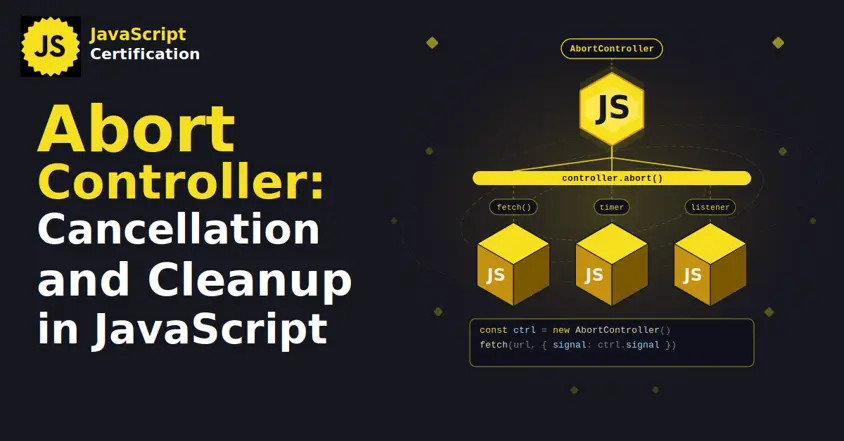
AbortController: Cancellation and Cleanup in JavaScript
AbortController does more than cancel a fetch. Learn how one signal cleans up event listeners, times out requests, and combines with AbortSignal.any().
Martin Ferret
Sep 22, 2026
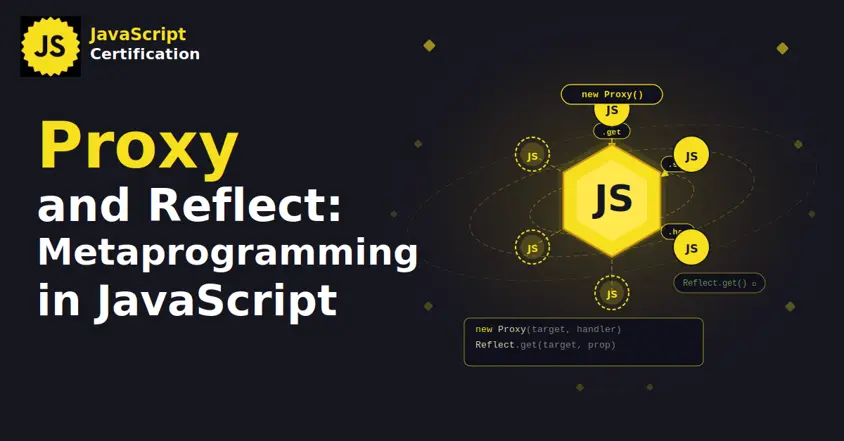
Proxy and Reflect: Metaprogramming in JavaScript
Learn how JavaScript Proxy and Reflect intercept object operations: the 13 traps and why Reflect matters.
Martin Ferret
Sep 8, 2026