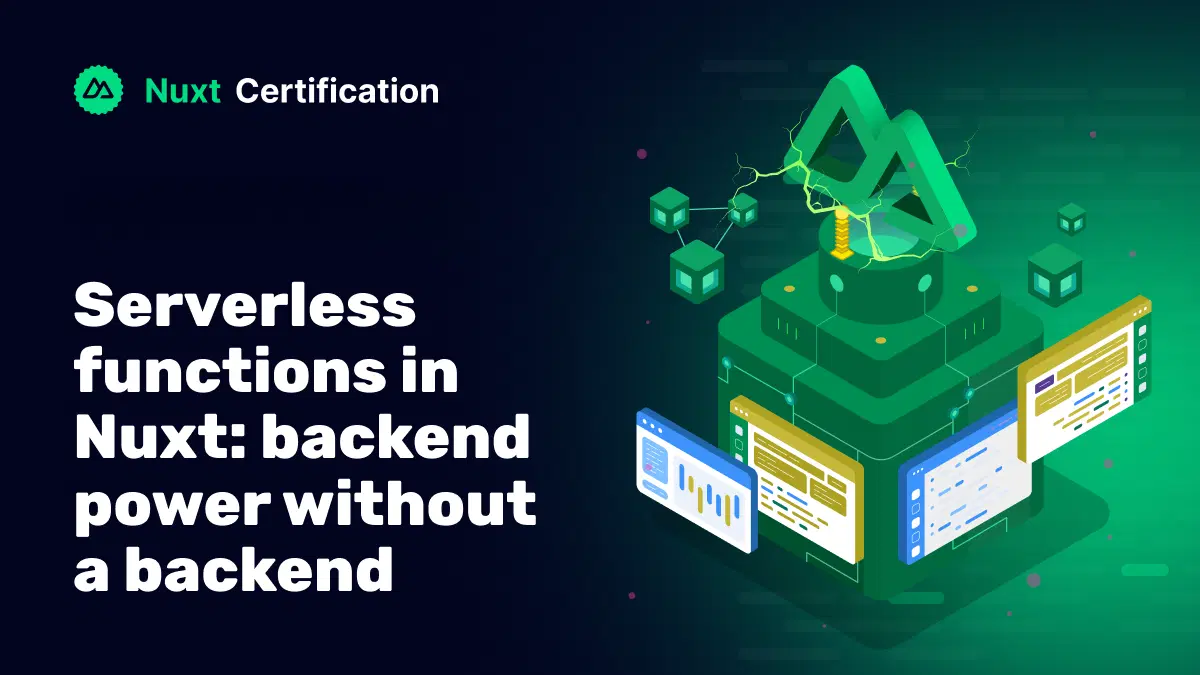
Serverless functions in Nuxt: backend power without a backend
Serverless functions are tiny pieces of code that run on demand in the cloud. You don’t provision servers or infrastructure, or write scaling rules. Cloud providers handle the underlying infrastructure, automatically scaling resources based on demand. They’re perfect for lightweight APIs, form handlers, webhooks, simple auth endpoints, and glue code.

Reza Baar
October 8, 2025
How Nuxt does it (Nitro + H3)
Nuxt has built-in support for serverless functions via Nitro (its server engine). Nitro compiles your server code to many targets (Node, Vercel, Netlify, Cloudflare Workers, etc.) and runs on top of H3, a tiny, fast HTTP framework.
You write your server-side logic inside the server/api/ folder. Each file becomes an API endpoint automatically.
// server/api/hello.ts
export default defineEventHandler(() => {
    return { message: 'Hello from serverless' }
})
This function will respond to GET /api/hello with a JSON object. That’s it. Visit /api/hello in your browser or useFetch() from your frontend, and you get:
{ "message": "Hello from serverless" }
Calling Your APIs from the Frontend
You can use useFetch(), useAsyncData(), or $fetch() to call these functions in your Vue components or pages.
<script setup>
  const { data } = await useFetch('/api/hello')
</script>

<template>
  <p>{{ data.message }}</p>
</template>
Deployment
Nuxt works with Vercel, Netlify, Cloudflare, etc. Just push your code and your functions will auto-deploy as serverless endpoints.
- Vercel → Serverless Functions
- Netlify → Netlify Functions
- Cloudflare → Workers
You don’t need to configure anything manually — just push your code.
Quick Tips to Not Shoot Yourself in the Foot
- Don’t trust inputs, always validate.
- Use environment variables for anything secret.
- Keep functions small and focused.
- Handle errors properly.
- Don’t block the event loop with long-running tasks (offload to queues if needed).
Common Use Cases
- Form submissions
- Email sending
- API proxies
- Auth endpoints
- Data fetching or caching
- Webhooks
Wrap Up
With Nuxt and Nitro, serverless functions are just regular files that do backend magic. No setup, no stress. Whether you need a contact form endpoint, a webhook handler, or a simple API proxy, you can build it in minutes.
No server management required.
Ready to prove your Nuxt skills?
Get certified in NuxtMore Nuxt articles
Keep learning Nuxt. Then get certified when you are ready.

Which Fetch? A One Page Reference for Nuxt Data Fetching
Choose among Nuxt’s $fetch, useFetch, useAsyncData, and lazy variants based on rendering, interaction, and data needs, while avoiding common pitfalls with keys, caching, SSR, and payloads.
Reza Baar
Type-Safe Server Routes
Type-Safe Server Routes: End-to-End Types from server/api to Your Components How Nuxt infers response types from your server routes so useFetch and $fetch calls are fully typed without manual interfaces.

Reza Baar
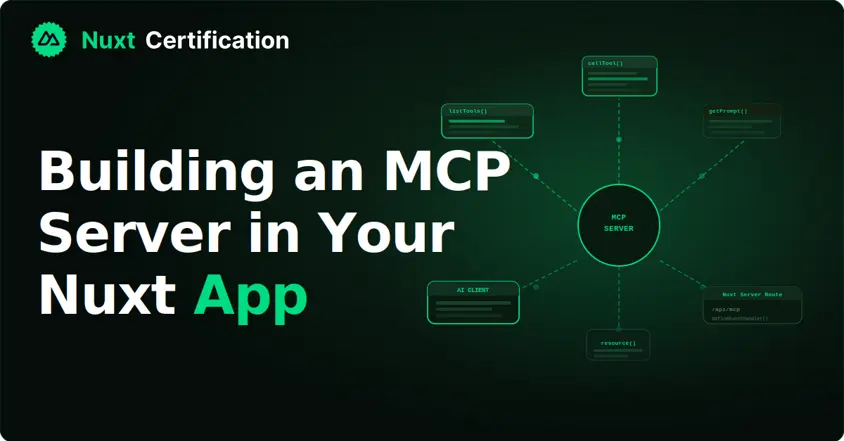
Building an MCP Server in Your Nuxt App
Building an MCP Server in Your Nuxt App with the MCP Toolkit. How to expose your Nuxt app's data and actions to AI assistants using @nuxtjs/mcp-toolkit, with tools, resources, and prompts.
Reza Baar