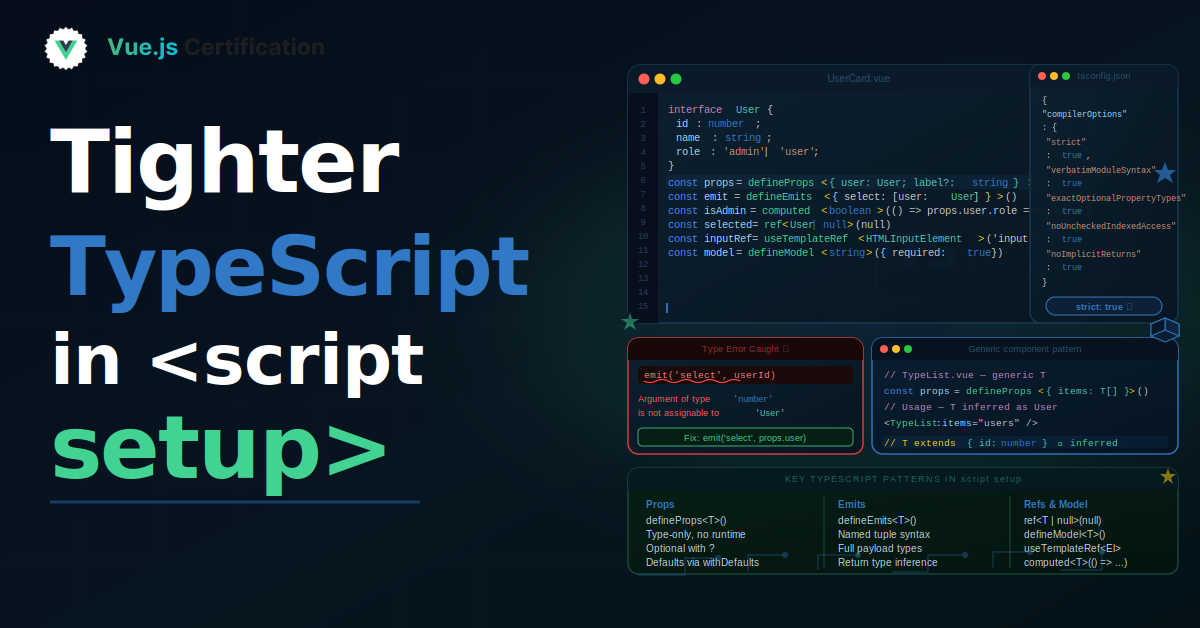
Tighter TypeScript in <script setup>
How Vue sharpened TypeScript support for defineProps, defineEmits, defineModel, and defineSlots, and how to write clearer component contracts.

Reza Baar
August 26, 2026
Over the 3.3, 3.4, and 3.5 releases, Vue steadily sharpened its TypeScript story for <script setup>. The compiler macros (defineProps, defineEmits, defineModel, defineSlots) now produce clearer errors and better inference, which makes your component contracts more explicit. In this post, we'll walk through what changed and how to use each macro to get the most out of the type system.
The Shape of a Typed Component
Before the improvements, typing a component's public API was verbose and had rough edges. Today, a fully typed component reads cleanly:
<!-- components/UserCard.vue -->
<script setup lang="ts">
interface Props {
  name: string;
  age?: number;
  roles: string[];
}

const props = defineProps<Props>();

const emit = defineEmits<{
  select: [id: string];
  remove: [id: string];
}>();
</script>

<template>
  <div class="user-card">
    <h2>{{ name }}</h2>
    <span v-if="age">{{ age }} years old</span>
    <button @click="emit('select', name)">Select</button>
  </div>
</template>
Every part of this component's contract (its props, its events) is expressed in types. Let's look at how each macro got better.
Imported and Complex Types in defineProps
One of the earlier limitations was that defineProps and defineEmits could only use types defined locally in the same file. You couldn't import a Props interface from another module. That's because Vue analyzes the type at compile time to generate runtime prop options, and the analysis couldn't follow imports.
That limitation is gone. You can now import types and even combine them:
<script setup lang="ts">
import type { Props } from './types';

// Imported type combined with an inline intersection
const props = defineProps<Props & { extraProp?: string }>();
</script>
This works with relative imports, path aliases like @/types, and even types from node_modules. One caveat worth knowing: the type-to-runtime conversion is AST-based, not a full type analysis. It handles imported types and a limited set of complex types, but it can't resolve things that require actual type computation. For example, you can't use a conditional type for the entire props object:
<script setup lang="ts">
// This does NOT work: conditional type for the whole props object
const props = defineProps<SomeCondition extends true ? PropsA : PropsB>();

// This DOES work: conditional type for a single prop's type
interface Props {
  value: SomeCondition extends true ? string : number;
}
const props = defineProps<Props>();
</script>
The distinction is: individual prop types can be as complex as you like, but the top-level props type needs to be something the AST analyzer can walk.
The Cleaner defineEmits Syntax
The original type-based defineEmits used a call-signature syntax that was accurate but awkward to write:
<script setup lang="ts">
// The older call-signature form (still supported)
const emit = defineEmits<{
  (e: 'change', id: number): void;
  (e: 'update', value: string): void;
}>();
</script>
There's now a more ergonomic form where the key is the event name and the value is a tuple of the payload arguments:
<script setup lang="ts">
// The newer, cleaner form
const emit = defineEmits<{
  change: [id: number];
  update: [value: string];
}>();
</script>
Both compile to the same thing. The newer form is easier to read, and you can use labeled tuple elements (like [id: number]) for clarity about what each argument means. The call-signature form is still supported, so existing code keeps working.
defineModel for Two-Way Binding
Before defineModel, supporting v-model on a component meant declaring a prop and an event, then wiring them together with a computed or a watcher. It was a lot of repetition for a common pattern:
<script setup lang="ts">
// The old way: declare prop, declare event, wire them up
const props = defineProps<{ modelValue: string }>();
const emit = defineEmits<{ 'update:modelValue': [value: string] }>();

const innerValue = computed({
  get: () => props.modelValue,
  set: (v) => emit('update:modelValue', v),
});
</script>
defineModel (stable since 3.4) collapses all of that into one line. It registers the prop and the update event automatically and returns a ref you can read and mutate directly:
<script setup lang="ts">
// The new way
const modelValue = defineModel<string>();
</script>

<template>
  <input v-model="modelValue" />
</template>
The type here is Ref<string | undefined>. If you want to require the value or give it a default:
<script setup lang="ts">
// Required
const modelValue = defineModel<string>({ required: true });

// With a default
const count = defineModel<number>({ default: 0 });
</script>
For multiple named models, pass the name as the first argument:
<script setup lang="ts">
const firstName = defineModel<string>('first');
const lastName = defineModel<string>('last');
</script>
One thing to be aware of: defineModel always adds a companion modelModifiers prop (or nameModifiers for named models) behind the scenes, whether or not you use modifiers. This is usually invisible, but it's worth knowing if you're debugging unexpected props on a component.
defineSlots for Typed Slot Content
defineSlots lets you declare what slots your component exposes and what props each slot receives. This gives consumers autocomplete and type checking on slot content:
<!-- components/DataList.vue -->
<script setup lang="ts" generic="T">
defineProps<{
  items: T[];
}>();

defineSlots<{
  item(props: { item: T; index: number }): any;
  empty(): any;
}>();
</script>

<template>
  <ul v-if="items.length">
    <li v-for="(item, index) in items" :key="index">
      <slot name="item" :item="item" :index="index" />
    </li>
  </ul>
  <div v-else>
    <slot name="empty" />
  </div>
</template>
Now when someone uses this component, TypeScript knows the item slot provides item and index, and it knows their types.
Generic Components
The generic attribute on <script setup> is where the type improvements really pay off. It lets a component accept a type parameter that flows through props, emits, and slots. This is how you build genuinely type-safe reusable components like a typed select or a typed list.
Here's a generic select component:
<!-- components/Select.vue -->
<script setup lang="ts" generic="T extends { id: string | number; label: string }">
defineProps<{
  options: T[];
  modelValue: T | null;
}>();

const emit = defineEmits<{
  'update:modelValue': [value: T];
}>();
</script>

<template>
  <ul>
    <li
      v-for="option in options"
      :key="option.id"
      @click="emit('update:modelValue', option)"
    >
      {{ option.label }}
    </li>
  </ul>
</template>
The generic="T extends ..." works exactly like a generic parameter in TypeScript. When you use this component with a specific option type, T is inferred, and the emitted value is correctly typed. If you pass options of one type and modelValue of another, you get a type error.
You can declare multiple type parameters, and they can reference imported types:
<script setup lang="ts" generic="T extends Item, K extends keyof T">
import type { Item } from './types';

defineProps<{
  items: T[];
  sortKey: K;
}>();
</script>
TypeScript in Templates
A smaller but handy improvement: you can write TypeScript expressions directly in templates. This is useful for hinting the type checker when it can't infer something, like asserting a value is non-null:
<template>
  <div>
    <h2>Welcome {{ (user!.name as string).toLowerCase() }}</h2>
  </div>
</template>
Use this sparingly. If you find yourself reaching for as casts a lot in templates, that's usually a sign the underlying types should be tightened instead.
Reactive Props Destructure
Destructuring props used to break reactivity, so you had to access everything through the props object. Reactive Props Destructure fixes this. You can destructure props directly, with defaults, and they stay reactive:
<script setup lang="ts">
interface Props {
  message?: string;
  count?: number;
}

// Destructure with defaults, reactivity preserved
const { message = 'Hello', count = 0 } = defineProps<Props>();
</script>

<template>
  <p>{{ message }}: {{ count }}</p>
</template>
This replaces the older, clunkier withDefaults pattern for many cases:
<script setup lang="ts">
// The older withDefaults approach (still valid)
const props = withDefaults(defineProps<Props>(), {
  message: 'Hello',
  count: 0,
});
</script>
One rule to remember: don't pass a destructured prop directly to a watcher or toRef, because you'd be passing the current value rather than a reactive source. Vue will warn you if you do. Use a getter instead:
<script setup lang="ts">
const { count } = defineProps<Props>();

// Wrong: passes the value, not a reactive source
watch(count, () => {});

// Right: getter tracks the reactive prop
watch(() => count, () => {});
</script>
Key Takeaways
definePropsanddefineEmitsnow accept imported types and a limited set of complex types (AST-based, so no conditional types for the whole props object)- The newer
defineEmitstuple syntax (change: [id: number]) is cleaner than the call-signature form defineModelcollapses the prop-plus-eventv-modelpattern into a single reactive refdefineSlotsgives consumers type checking and autocomplete on slot content- The
genericattribute lets props, emits, and slots share a type parameter for truly type-safe reusable components - Reactive Props Destructure lets you destructure props with defaults while keeping reactivity
- Don't pass destructured props directly to watchers. Use a getter
Conclusion
The TypeScript improvements across recent Vue releases make component contracts explicit in a way that was awkward before. Imported types, cleaner emit syntax, defineModel, typed slots, and generic components all push type information to the edges of your components where consumers can see it. The result is components that document themselves and catch mismatches at compile time rather than in the browser.
More certificates.dev articles
Get the latest news and updates on developer certifications. Content is updated regularly, so please make sure to bookmark this page or sign up to get the latest content directly in your inbox.

Iterator Helpers: Lazy Pipelines in JavaScript
ES2025 added map, filter, take and drop to iterators. Learn how lazy pipelines skip intermediate arrays, handle infinite sequences, and where they do not help.

Martin Ferret
Oct 6, 2026

Debugging Suspense with the React Suspense Panel
The Suspense panel in React Developer Tools shows which boundary suspended, what it was waiting for, and the order your page revealed its content.

Aurora Scharff
Oct 1, 2026
Building Reusable Validators in Angular Signal Forms
Learn how to create reusable custom validators with Angular Signal Forms, with practical examples for building flexible and maintainable form validation.
Alain Chautard
Sep 29, 2026