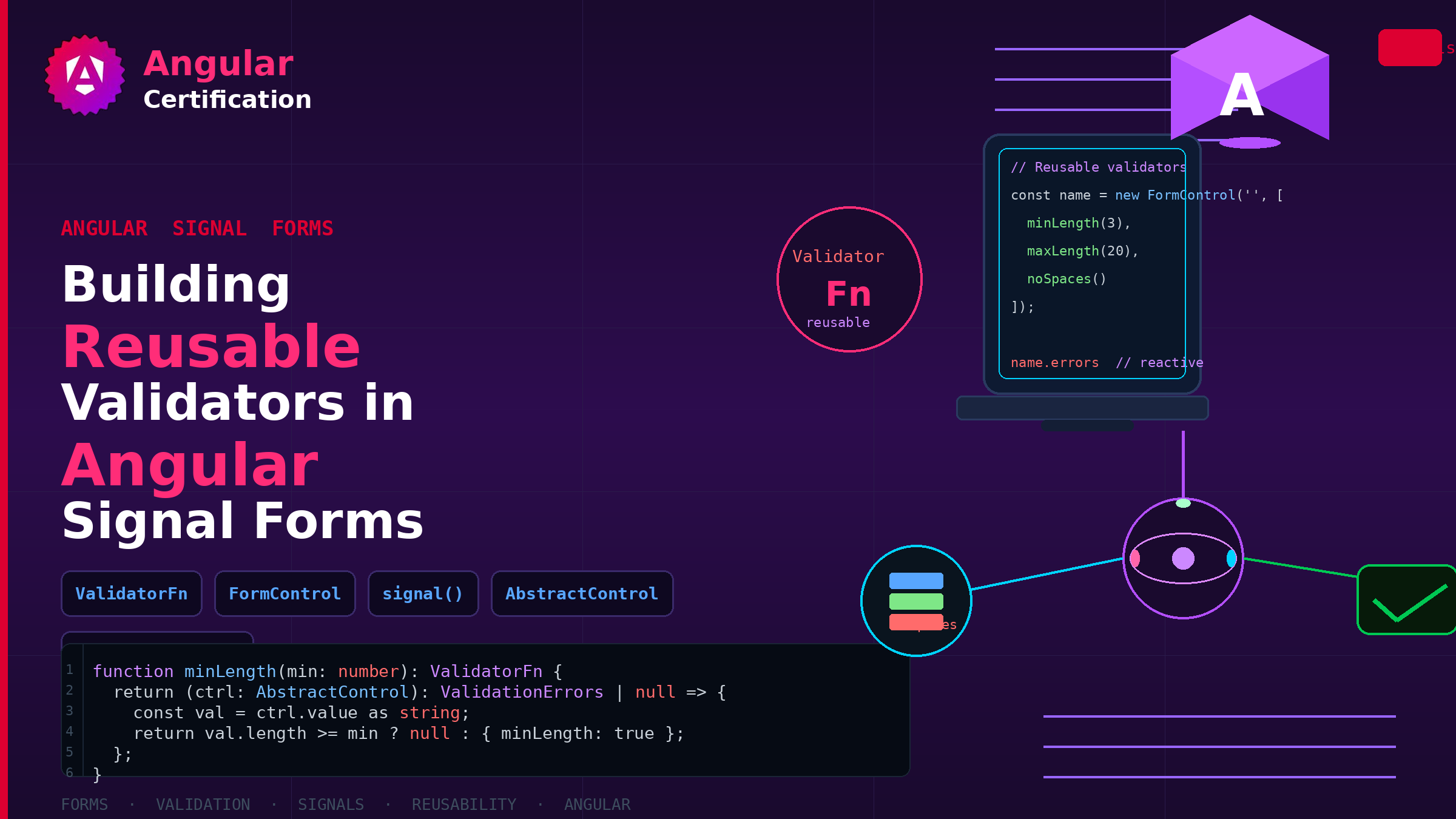
Building Reusable Validators in Angular Signal Forms
Learn how to create reusable custom validators with Angular Signal Forms, with practical examples for building flexible and maintainable form validation.
Alain Chautard
September 29, 2026
In this article, I will showcase how to create reusable custom validators with Angular Signal Forms. This content and these examples are excerpts from my book, Angular Signal Forms, available on both Amazon (paperback, Kindle) and Angular Training (PDF/EPUB). Let’s get started:
Built-in Signal Forms Validators
The Angular Signal Forms API provides several built-in validators:
- required() — Detects empty strings and null values.
- email() — Basic email syntax validation.
- min() / max() — Numeric range bounds.
- minLength() / maxLength() — Length bounds for strings and arrays.
- pattern() — Regular expression matching.
Here is an example of such a built-in validator in action:
// A zip code has to be a 5-digit number
  pattern(path.address.zip, /^\d{5}$/);
Custom validators
We can write custom validation rules as functions using the validate() helper. For instance, say we want to check that credit card numbers come from specific card providers, identified by their first digits:
import {SchemaPath, validate} from "@angular/forms/signals";

export function mustBeFromValidProvider(field: SchemaPath<string>) {
  validate(field, ({value}) => {
    if (!(value().startsWith('37') || value().startsWith('4') || value().startsWith('5'))) {
      return {
        kind: 'cc-provider',
        message: 'Your credit card is not from a supported provider',
      };
    }
    return null;
  });
}
As illustrated in the above code, a validator function returns one of two things: — null, void, or undefined when no error is found - A ValidationError object with a kind and a message otherwise.
Once a custom validator function is defined, we can use it alongside our other validators:
// Credit card validation rules
  required(path.cc, {message: 'Credit card number is required'});
  minLength(path.cc, 16, {message: 'Credit card number must have 16 digits'});
  maxLength(path.cc, 16, {message: 'Credit card number must be less than 17 digits'});
  mustBeFromValidProvider(path.cc);
Reusable and refactored validator
We can further improve this code for reusability. Assuming we have several forms using credit card numbers, it might make perfect sense to create our own function that runs all these checks at once:
import {maxLength, minLength, required,
        SchemaPath, validate} from "@angular/forms/signals";

export function validateCreditCardNumber(field: SchemaPath<string>) {
  required(field, {message: 'A credit card number is required'});
  mustBeFromValidProvider(field);
  minLength(field, 16, {message: 'A credit card number must be 16 digits long'});
  maxLength(field, 16, {message: 'Credit card number must be less than 17 digits'});
}
And we can use the above function in our form setup for increased readability:
userForm = form(this.userInfo, (path) => {
    required(path.firstName, {message: 'First name is required'});
    required(path.address.zip);
    validateCreditCardNumber(path.cc);
  });

Reusable schemas with schema() and apply()
We just created a validateCreditCardNumber() function to group several validation rules into a single reusable helper. Signal Forms actually have a built-in primitive for this exact purpose: the schema() function.
import { schema, required, minLength } from '@angular/forms/signals';

interface Address {
  street: string;
  zip: string;
  city: string;
  country: string;
}

export const addressSchema = schema<Address>((address) => {
  required(address.street, { message: 'Street is required' });
  required(address.city, { message: 'City is required' });
  required(address.zip, { message: 'Zip code is required' });
});
The type parameter (Address here) defines the shape of data the schema knows how to validate. Any form that matches this shape can use it.
To attach a reusable schema to a specific location in a form, we use the apply() function inside the form’s schema function:
import { apply, form, required } from '@angular/forms/signals';
import { addressSchema } from './address.schema';

userForm = form(this.userInfo, (path) => {
  required(path.firstName, { message: 'First name is required' });
  apply(path.address, addressSchema);
  validateCreditCardNumber(path.cc);
});
When we call apply(), the schema receives a path scoped to that sub-object: inside addressSchema, address.zip refers to path.address.zip of whichever form the schema is applied to. This is what makes schemas truly reusable — a checkout form, a shipping form, and a user profile form can all apply() the same addressSchema to their own address group.
Schema or helper function?
So when should you use a plain helper function like validateCreditCardNumber() versus schema()? Both are valid.
A helper function receives a path to a single field and works well for field-level rule bundles. A Schema
As a result, schemas tend to be more powerful and unlock additional possibilities.
Want to learn more about Signal Forms?
This post and its examples are excerpts from my book, Angular Signal Forms, available on both Amazon (paperback, Kindle) and Angular Training (PDF/EPUB). Thanks for your support!
More certificates.dev articles
Get the latest news and updates on developer certifications. Content is updated regularly, so please make sure to bookmark this page or sign up to get the latest content directly in your inbox.

Iterator Helpers: Lazy Pipelines in JavaScript
ES2025 added map, filter, take and drop to iterators. Learn how lazy pipelines skip intermediate arrays, handle infinite sequences, and where they do not help.

Martin Ferret
Oct 6, 2026

Debugging Suspense with the React Suspense Panel
The Suspense panel in React Developer Tools shows which boundary suspended, what it was waiting for, and the order your page revealed its content.

Aurora Scharff
Oct 1, 2026
Building Reusable Validators in Angular Signal Forms
Learn how to create reusable custom validators with Angular Signal Forms, with practical examples for building flexible and maintainable form validation.
Alain Chautard
Sep 29, 2026