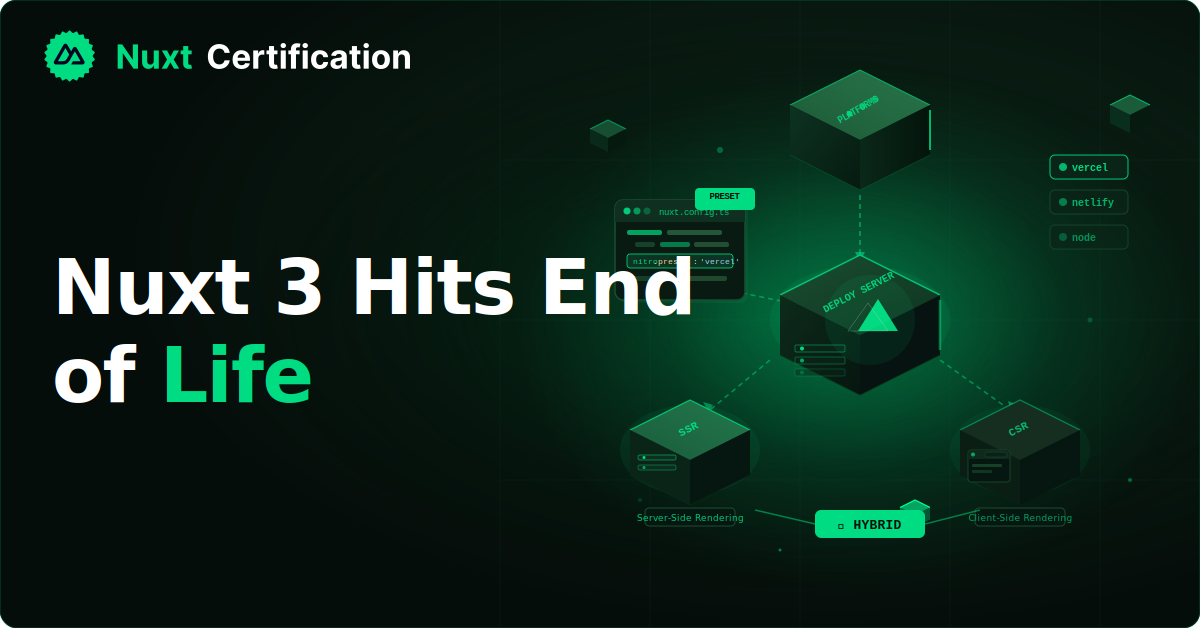
Nuxt 3 hits End Of Life
Nuxt 3 Hits EOL July 31, 2026: Your Staged Path to Nuxt 5 What the Nuxt 3 end-of-life date means, how to migrate through Nuxt 4, and when it makes sense to wait for Nuxt 5 instead.

Reza Baar
August 12, 2026
Nuxt 3 reaches end-of-life on July 31, 2026. After that date, no more security patches or bug fixes, not just for the nuxt package but for the whole bundled surface (Nitro, h3, the Vue 3 integration, and the unjs dependencies underneath). In this post, we'll look at what the date actually means, walk through the staged upgrade path to Nuxt 4 and then Nuxt 5, and cover the cases where waiting is the smarter call.
What the EOL Date Actually Means
First, a bit of history so the date makes sense. When the Nuxt team announced the Nuxt 4 roadmap, they set a short six-month support window for Nuxt 3, with an original EOL of January 31, 2026. They chose the short window because they expected the upgrade to be straightforward. As that date approached, they extended it: Nuxt 3 now receives security updates and critical bug fixes through July 31, 2026.
After July 31, any CVE anywhere in the Nuxt 3 dependency tree (direct or transitive) is exposure that won't be patched upstream. It's not that your app stops working on August 1. It's that you're running unmaintained code with no security floor, and vulnerabilities in Nitro or a unjs utility won't get fixed.
But I want to make one thing clear: optional modules you install separately (@nuxt/image, @nuxt/content, @nuxt/ui, community @nuxtjs/* modules) have their own release cadences and aren't covered by the core EOL. They need their own patching strategy regardless.
The Two-Release Strategy
To understand the migration path, you need to understand why there are two upgrades and not one. The Nuxt team deliberately split what could have been a single large release into two stages: Nuxt 4 (released July 2025) and Nuxt 5. They did this to make each step smaller and to give the ecosystem time to test, learning from the rougher Nuxt 2 to Nuxt 3 transition.
Nuxt 4 is described as a transitional release. It's intentionally a small upgrade, mostly cleaner defaults and stronger type boundaries. Nuxt 5 is the bigger one, bringing Nitro 3, h3 v2, and the Vite Environment API for faster development. The support policy is that each major version gets at least six months of support after the next major ships.
So the standard path is Nuxt 3 to Nuxt 4 to Nuxt 5. Whether you take both steps or skip the middle depends on your situation, which we'll get to.
Step One: Prepare on Nuxt 3
Before you change your major version, you can prepare your Nuxt 3 app so the jump is smaller. Nuxt shipped a compatibility flag starting in 3.12 that lets you opt into Nuxt 4 behavior while still on Nuxt 3:
// nuxt.config.ts
export default defineNuxtConfig({
  future: {
    compatibilityVersion: 4,
  },
});
Turning this on enables the Nuxt 4 defaults (the new directory structure, the updated data-fetching behavior, and so on) while you're still on the Nuxt 3 package. This lets you fix issues incrementally rather than all at once during the version bump. Run your test suite, check your build, and work through whatever surfaces.
The most visible Nuxt 4 change is the directory structure: app code moves into an app/ directory, and Nuxt creates separate TypeScript projects for your app code, server code, shared/ folder, and builder code. If you don't want to move files, Nuxt detects your existing structure and keeps working, so the migration isn't forced.
Step Two: Upgrade to Nuxt 4
Once you're running cleanly with compatibilityVersion: 4, the actual package upgrade is small. Use the upgrade command:
npx nuxi upgrade --force
The Nuxt team designed Nuxt 4 specifically to make this migration painless, with codemods that automate most of the mechanical changes. For a healthy Nuxt 3 app on a modern Node.js version, this is genuinely a contained piece of work, often an afternoon rather than a project.
After upgrading, work through the official upgrade guide for the specific scenarios that apply to your app. The data-fetching layer got several changes worth knowing: multiple components using the same useAsyncData or useFetch key now share data automatically, there's automatic cleanup when components unmount, and you can use reactive keys to refetch.
Step Three: Prepare for Nuxt 5
Just as Nuxt 3 had a compatibility flag for Nuxt 4, the same pattern extends forward. You can start preparing for Nuxt 5 from Nuxt 4 by bumping the compatibility version:
// nuxt.config.ts
export default defineNuxtConfig({
  future: {
    compatibilityVersion: 5,
  },
});
This opts into Nuxt 5 behavior where available while you're still on Nuxt 4, the same incremental approach. Because Nuxt 5 brings Nitro 3 and h3 v2, the changes here lean more toward the server side than the Nuxt 4 upgrade did. Keep an eye on the upgrade guide, which the team has been updating with Nuxt 5 preparation details.
When to Skip Nuxt 4 and Wait for Nuxt 5
Here's the nuance that the EOL date can obscure. The July 31 deadline is not a binary forcing function that says "upgrade to Nuxt 4 now or else." For some teams, doing two major upgrades back to back (3 to 4, then 4 to 5 a few months later) is more churn than it's worth, especially since Nuxt 4 is explicitly transitional.
There are three situations where waiting for Nuxt 5 and upgrading directly from Nuxt 3 can be the better call:
You want to avoid two migrations. If Nuxt 5 is close and your app is stable, doing one 3-to-5 jump (once the ecosystem stabilizes on 5) avoids paying the migration cost twice for limited long-term value from the intermediate step.
Compliance windows don't fit a migration. If you're in an environment where migrations require audit windows that don't align with the EOL date, you may not be able to migrate on the framework's timeline.
Community modules haven't caught up. If your app depends on @nuxtjs/* or community modules that haven't shipped Nuxt 4 support, upgrading breaks you. Waiting for those modules to catch up (possibly skipping straight to their Nuxt 5 support) avoids being stuck.
The catch with waiting: after July 31, 2026, you're on unsupported Nuxt 3 with no security patches until you make the jump. If you go this route, you need a plan for that gap. Some teams use extended lifecycle support services that backport security fixes to give a security floor while they wait for the right window. Whether that's worth it depends on your risk tolerance and compliance requirements.
A Decision Framework
Putting it together, here's a way to think about your path:
Migrate to Nuxt 4 now if you have a healthy Nuxt 3 app on modern Node, your modules support Nuxt 4, and you value staying on a supported version continuously. This is the right answer for most teams. The upgrade is designed to be painless.
Prepare now, upgrade soon if you're mostly ready but want to de-risk. Turn on compatibilityVersion: 4, fix what surfaces, then bump the package before July 31.
Wait for Nuxt 5 if you have a specific reason (avoiding double migration, compliance windows, or lagging module support) and a plan to cover the security gap after EOL. This is a deliberate strategic choice, not a default.
The mistake is treating the deadline as a panic button. The Nuxt team built the upgrade to be smooth and has been transparent that Nuxt 4 is transitional and Nuxt 5 is coming. Both facts are inputs to your decision.
New Projects
If you're starting fresh, none of this applies. Start on the latest stable major (Nuxt 4 today, Nuxt 5 once it's stable). There's no reason to start a new project on Nuxt 3 when it's months from EOL.
Key Takeaways
- Nuxt 3 reaches EOL on July 31, 2026
- After EOL, the entire bundled dependency tree (Nitro, h3, unjs packages) stops getting security patches, not just the core package
- The intended path is Nuxt 3 to Nuxt 4 to Nuxt 5, with Nuxt 4 as a transitional release
- Prepare incrementally with
future.compatibilityVersion: 4, then upgrade withnpx nuxi upgrade --force - The same compatibility-flag pattern extends to preparing for Nuxt 5 from Nuxt 4
- Waiting for Nuxt 5 and skipping Nuxt 4 makes sense for avoiding double migrations, compliance constraints, or lagging modules, but you need a plan for the post-EOL security gap
Conclusion
The Nuxt 3 EOL date is a deadline, but it's not a panic button. For most of us and our teams, the staged path (prepare with the compatibility flag, upgrade to Nuxt 4, then prepare for Nuxt 5) is smooth and low-risk. For teams with specific constraints, waiting for Nuxt 5 is a legitimate strategic choice as long as you account for the security gap. Either way, the key is to decide deliberately rather than let July 31 arrive with no plan.
I hope this post has been helpful. Happy coding!
More certificates.dev articles
Get the latest news and updates on developer certifications. Content is updated regularly, so please make sure to bookmark this page or sign up to get the latest content directly in your inbox.
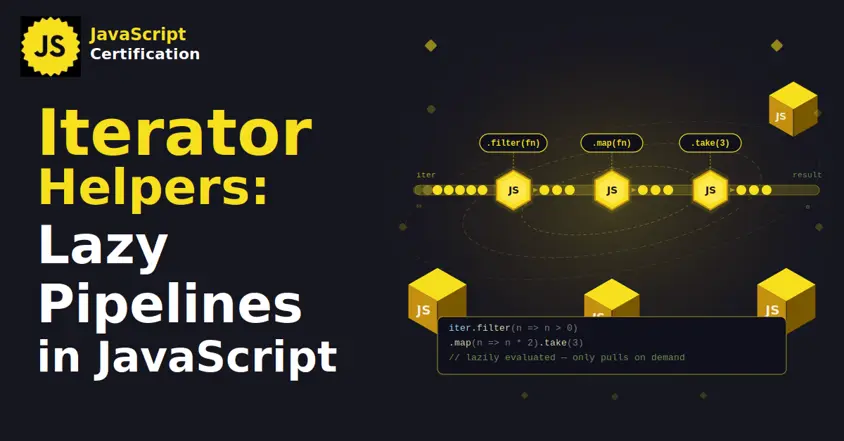
Iterator Helpers: Lazy Pipelines in JavaScript
ES2025 added map, filter, take and drop to iterators. Learn how lazy pipelines skip intermediate arrays, handle infinite sequences, and where they do not help.

Martin Ferret
Oct 6, 2026
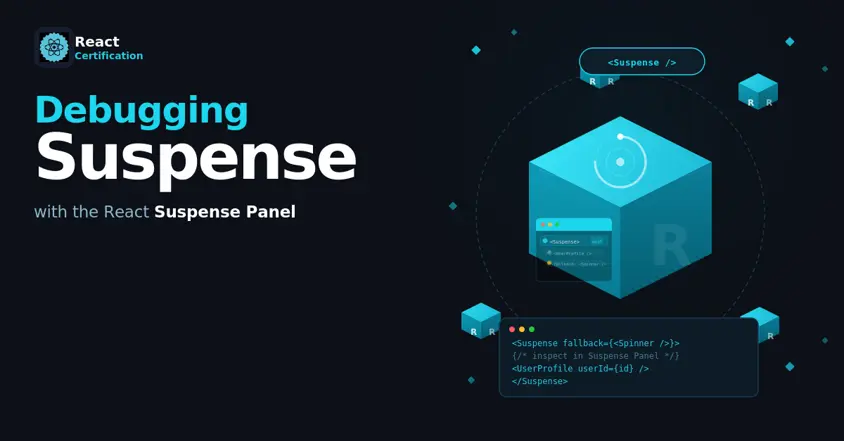
Debugging Suspense with the React Suspense Panel
The Suspense panel in React Developer Tools shows which boundary suspended, what it was waiting for, and the order your page revealed its content.

Aurora Scharff
Oct 1, 2026
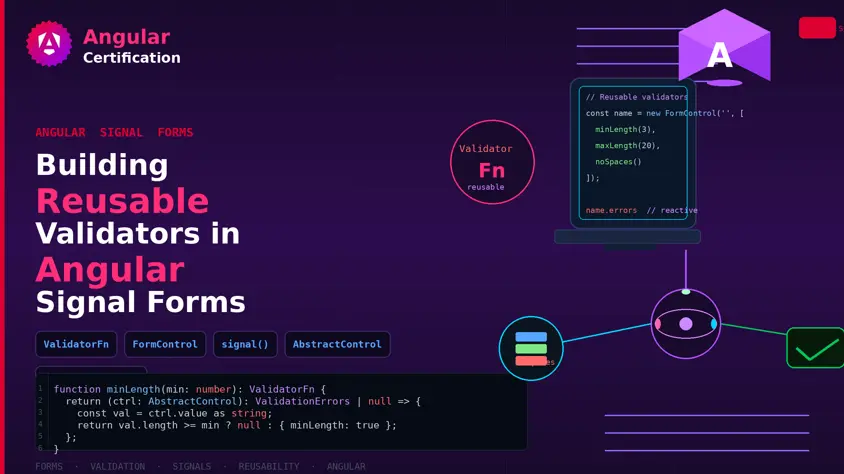
Building Reusable Validators in Angular Signal Forms
Learn how to create reusable custom validators with Angular Signal Forms, with practical examples for building flexible and maintainable form validation.
Alain Chautard
Sep 29, 2026