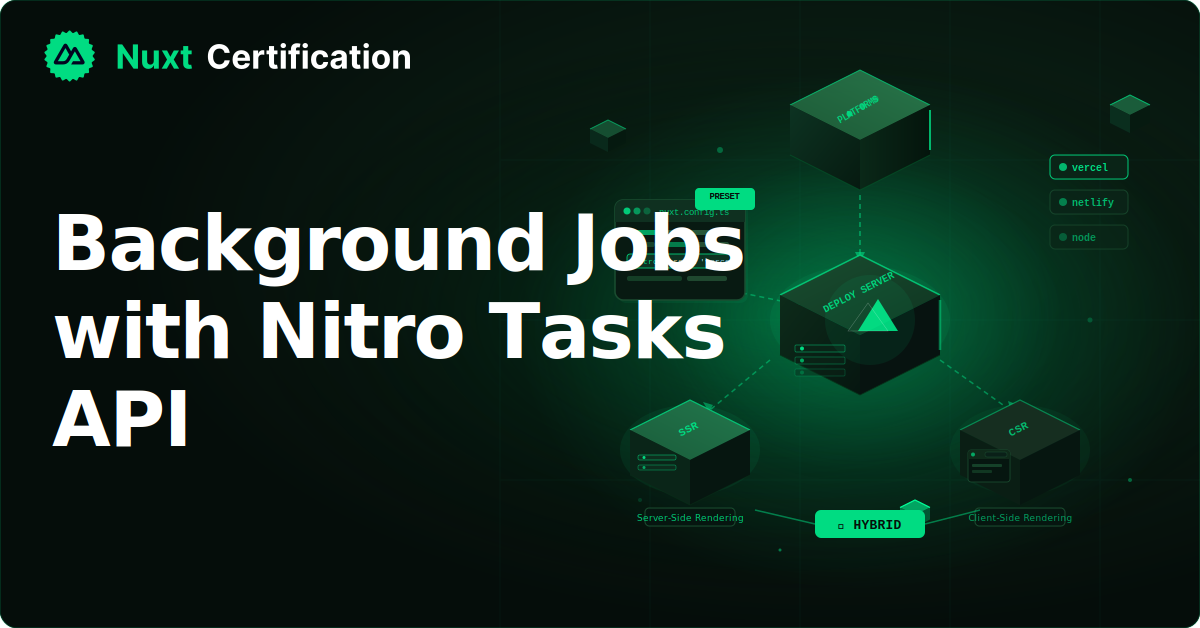
Background Jobs with Nitro Tasks API
How to run one-off and scheduled background work in Nuxt using Nitro's Tasks API, and what to watch for per deployment platform.

Reza Baar
August 19, 2026
Background work has historically been the part of a Nuxt deployment that broke the "one app, deploy anywhere" promise. You either bolted on node-cron (which only works on a long-running Node process, ruling out serverless and Workers) or stood up a separate scheduler service. Nitro's Tasks API is the in-tree answer. You define a task, drop it in server/tasks/, and either run it on demand or schedule it with cron. In this post, we'll build both kinds and cover the per-platform behavior you need to know.
Defining a Task
A task is a function you define with defineTask and place in the server/tasks/ directory. Here's a database maintenance task:
// server/tasks/db/migrate.ts
export default defineTask({
  meta: {
    name: 'db:migrate',
    description: 'Run database migrations',
  },
  async run({ payload, context }) {
    console.log('Running DB migration task...');
    await runMigrations();
    return { result: 'Success' };
  },
});
The meta object gives the task a name and a description, used for display in the dev server and CLI. The run function does the work and returns an object with an optional result property. The name typically uses a colon-separated namespace (db:migrate, cache:cleanup) to keep related tasks grouped.
Enabling the Tasks Feature
In current Nuxt (on Nitro 2), tasks are still behind an experimental flag. Enable it in your config:
// nuxt.config.ts
export default defineNuxtConfig({
  nitro: {
    experimental: {
      tasks: true,
    },
  },
});
In Nitro 3 (shipping with Nuxt 5), the Tasks API is being stabilized, so the experimental flag goes away. Since the feature is still evolving, check the current Nitro docs for the exact status before relying on it for anything load-bearing.
Running a Task On Demand
The most direct use is a one-off operation: data seeding, a cleanup script, a manual migration. You can trigger a task programmatically from a server route using runTask:
// server/api/admin/migrate.post.ts
import { runTask } from 'nitro/task';

export default defineEventHandler(async (event) => {
  // IMPORTANT: authenticate the user before running privileged tasks
  await requireAdminUser(event);

  const result = await runTask('db:migrate');
  return { message: 'Migration complete', details: result };
});
This keeps the task logic separate from your API routes. The route handles auth and HTTP concerns; the task does the actual work. That separation makes tasks easy to test and reuse.
During development, Nitro also exposes dev-only endpoints for inspecting and running tasks. A GET to /_nitro/tasks lists the registered tasks and any scheduled ones:
{
  "tasks": {
    "db:migrate": { "description": "Run database migrations" },
    "cache:cleanup": { "description": "Remove expired cache entries" }
  },
  "scheduledTasks": [
    { "cron": "*/5 * * * *", "tasks": ["cache:cleanup"] }
  ]
}
These endpoints are for development convenience. Don't rely on them in production.
Passing a Payload
Tasks accept a payload, which you can pass when running them. This is useful for parameterizing a task:
// server/tasks/email/send.ts
export default defineTask({
  meta: {
    name: 'email:send',
    description: 'Send a templated email',
  },
  async run({ payload }) {
    const { to, template } = payload as { to: string; template: string };
    await sendEmail(to, template);
    return { result: `Sent ${template} to ${to}` };
  },
});
// Triggering it with a payload
const result = await runTask('email:send', {
  payload: { to: 'user@example.com', template: 'welcome' },
});
Scheduling Tasks with Cron
This is where tasks become a real background-job system. You schedule them with cron expressions in your Nitro config. Instead of a separate scheduler, the schedule lives with your app:
// nuxt.config.ts
export default defineNuxtConfig({
  nitro: {
    experimental: {
      tasks: true,
    },
    scheduledTasks: {
      // Every 5 minutes
      '*/5 * * * *': ['cache:cleanup'],
      // Daily at midnight
      '0 0 * * *': ['reports:generate', 'logs:archive'],
      // Weekly on Sunday at 2 AM
      '0 2 * * 0': ['db:optimize'],
    },
  },
});
Each cron key maps to an array of task names, so a single schedule can run multiple tasks. A task can be both scheduled and triggered manually, which is handy: a cleanup job might run nightly on a schedule but also be triggerable on demand from an admin panel.
Here's a scheduled cleanup task:
// server/tasks/cache/cleanup.ts
export default defineTask({
  meta: {
    name: 'cache:cleanup',
    description: 'Remove expired cache entries',
  },
  async run() {
    const expired = await findExpiredCacheEntries();
    for (const entry of expired) {
      await deleteCacheEntry(entry.key);
    }
    return { cleaned: expired.length, timestamp: Date.now() };
  },
});
If you're unsure about a cron expression, crontab.guru is a handy tool for building and testing them.
Good to Note: Scheduling Isn't Universal
A good catch to understand is that the scheduling mechanism adapts to your deployment platform, but not every platform supports it the same way.
Node.js (node-server preset): Full support. Nitro uses an internal cron engine (Croner) and runs the tasks in-process on a timer. This is the simplest case.
Cloudflare Workers: Supported, but the platform owns the clock. Nitro emits a Cron Triggers block in the generated wrangler.toml at build time, and the Workers runtime invokes your tasks. There's no in-process timer because Workers don't run continuously.
Vercel: The Vercel preset has native integration with Vercel Cron Jobs. Nitro generates the cron configuration at build time, so you don't hand-write vercel.json. You can secure the cron endpoints by setting a CRON_SECRET environment variable.
Netlify: Scheduled tasks are not currently supported through this API. You can still schedule work, but you do it with a hand-written Netlify Scheduled Function that calls a Nuxt API endpoint, which in turn runs the task. It's a workaround, not native support.
The takeaway: on-demand tasks (runTask) work everywhere. Scheduled tasks depend on the platform. Check the current Nitro compatibility matrix before committing to a platform if scheduling is load-bearing for your app.
The Netlify Workaround Pattern
Since Netlify is a common host and doesn't support scheduling natively yet, here's the pattern. You create a Netlify Scheduled Function that hits a protected Nuxt endpoint, and that endpoint runs the task:
// server/api/cron/cleanup.post.ts
import { runTask } from 'nitro/task';

export default defineEventHandler(async (event) => {
  // Validate a shared secret so only your scheduled function can call this
  const secret = getHeader(event, 'x-cron-secret');
  if (secret !== process.env.CRON_SECRET) {
    throw createError({ statusCode: 401, statusMessage: 'Unauthorized' });
  }

  const result = await runTask('cache:cleanup');
  return { ok: true, result };
});
The Netlify Scheduled Function then calls this endpoint on its cron schedule with the secret header. When Netlify eventually supports Nitro scheduling natively, migrating is straightforward because your task logic already lives in a task.
Making Sure Work Completes
On serverless and Worker runtimes, the process can be torn down as soon as the response is sent, which can cut off background work. If your task kicks off async work you need to finish, use the optional context.waitUntil to tell the runtime to wait:
// server/tasks/analytics/flush.ts
export default defineTask({
  async run({ context }) {
    const promise = flushAnalyticsBuffer();
    // Ask the runtime to keep the process alive until this resolves
    context.waitUntil?.(promise);
    await promise;
    return { result: 'Flushed' };
  },
});
The waitUntil function may or may not be available depending on the runtime, which is why it's called with optional chaining.
When Tasks Are the Right Tool (and When They Aren't)
Nitro tasks are a good fit for maintenance and periodic work that belongs with your app: cache cleanup, report generation, log archiving, sending scheduled digests, database housekeeping. Before this, you'd have bundled something like Bull or Agenda, or run a separate service. Tasks remove that complexity while keeping deployment portable.
They're not a replacement for a dedicated job queue when you need heavy guarantees. If you need retries with backoff, dead-letter handling, high-throughput job processing, or distributed workers, a purpose-built system (a real queue, or a workflow engine) is still the right call. Nitro tasks cover the common case of "run this periodically or on demand" without extra infrastructure, and that covers a lot of real needs.
Key Takeaways
- Define tasks with
defineTaskinserver/tasks/, give them a namespaced name, and return a result - Run tasks on demand with
runTask, ideally from a server route that handles auth - Schedule tasks with cron expressions in
nitro.scheduledTasks, mapping each schedule to one or more tasks - On-demand tasks work on every platform. Scheduling support varies: full on Node, platform-managed on Cloudflare and Vercel, workaround-only on Netlify
- Use
context.waitUntilto keep serverless processes alive until async work finishes - Tasks handle the common periodic/on-demand case. For heavy queue guarantees, use a dedicated system
Conclusion
The Nitro Tasks API gives you background jobs and cron scheduling without a second process or a third-party scheduler, and it keeps your deployment portable across platforms. The one thing to plan around is that scheduling support differs by platform, so check the compatibility matrix for your target. For the common case of periodic maintenance and on-demand operations, it's a clean, well-integrated solution.
More certificates.dev articles
Get the latest news and updates on developer certifications. Content is updated regularly, so please make sure to bookmark this page or sign up to get the latest content directly in your inbox.
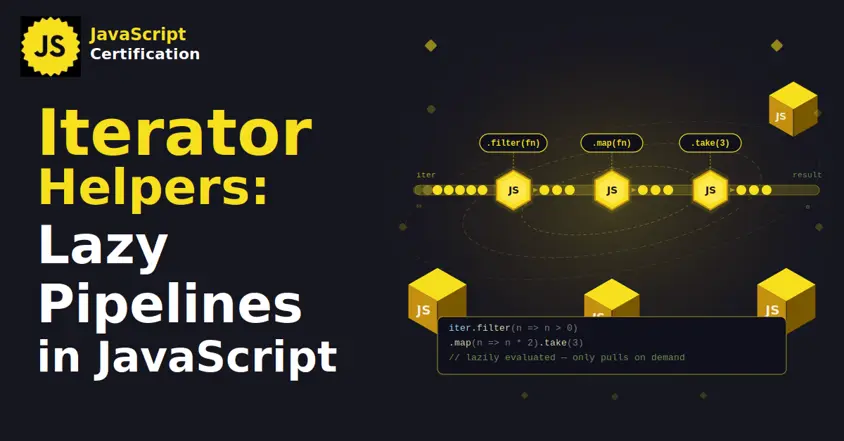
Iterator Helpers: Lazy Pipelines in JavaScript
ES2025 added map, filter, take and drop to iterators. Learn how lazy pipelines skip intermediate arrays, handle infinite sequences, and where they do not help.

Martin Ferret
Oct 6, 2026
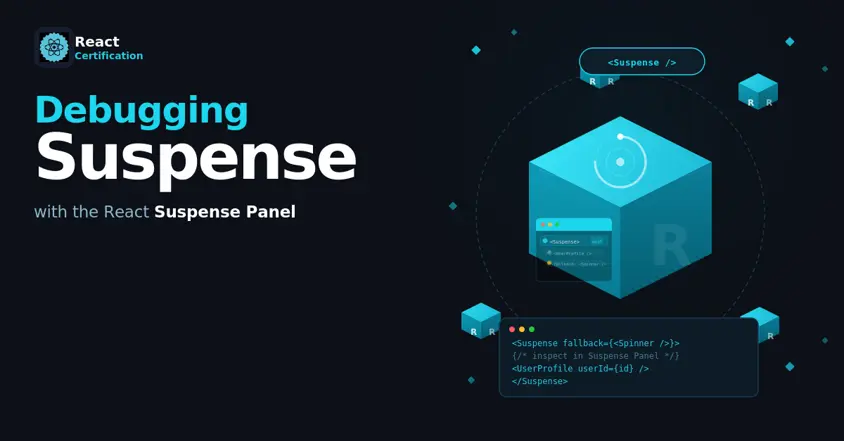
Debugging Suspense with the React Suspense Panel
The Suspense panel in React Developer Tools shows which boundary suspended, what it was waiting for, and the order your page revealed its content.

Aurora Scharff
Oct 1, 2026
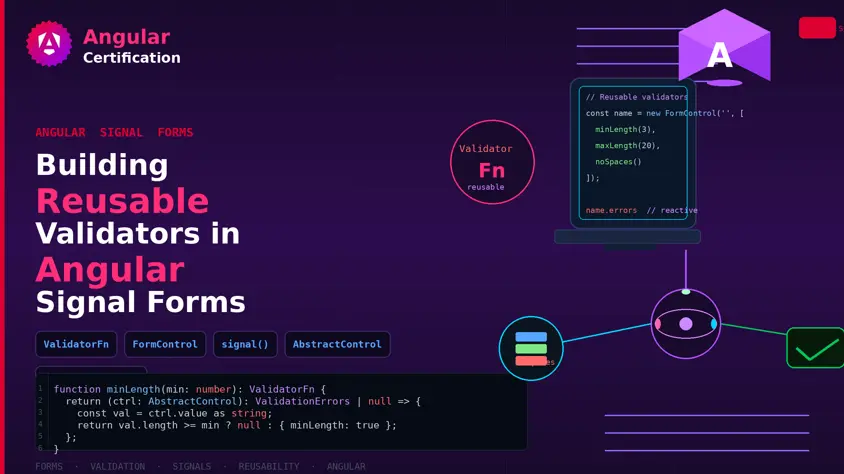
Building Reusable Validators in Angular Signal Forms
Learn how to create reusable custom validators with Angular Signal Forms, with practical examples for building flexible and maintainable form validation.
Alain Chautard
Sep 29, 2026