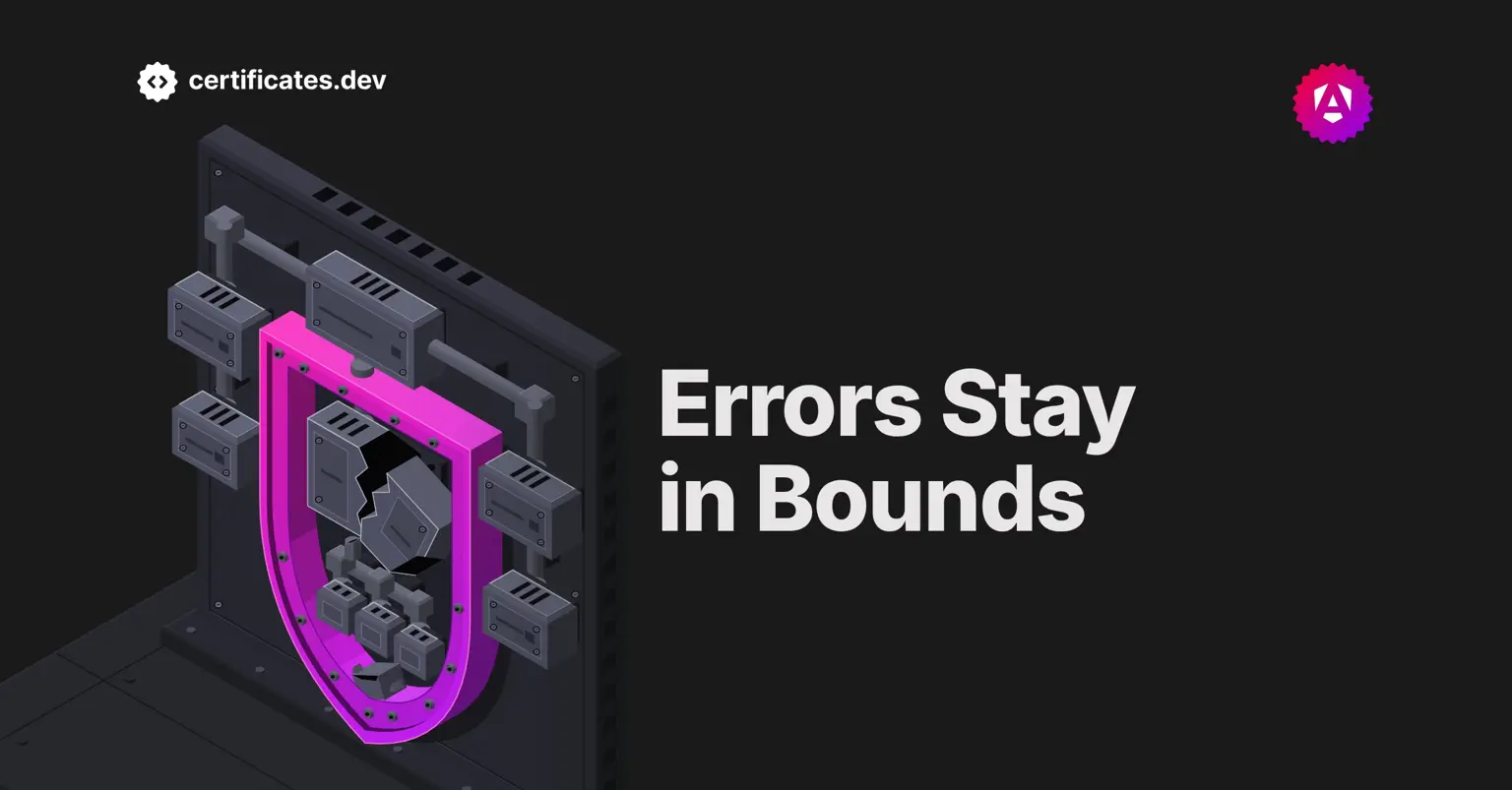
How to use error boundaries in Angular?
Angular 22.2’s developer-preview @boundary and @error blocks catch template errors, display fallback content with $error, and let users retry with $reset, optionally refreshing data first.
Alain Chautard
November 29, 2026
Angular introduced error boundaries in 22.2 as a developer preview, which means the feature isn’t stable yet, but it's still worth a try.
Let’s look at how it works.
What’s an error boundary?
An error boundary is a placeholder in Angular templates that lets you catch errors and render alternative HTML.
For instance, I have a store where I want to display a list of products as follows:
@for (plate of licensePlates.value() ; track plate._id) {
  <app-license-plate [plate]="plate" buttonText="Add to cart"
    (buttonClick)="addToCart($event)" class="col-md-4" />
}
This code is meant to display the following components:

An error boundary provides meaningful feedback right where an error happens. For instance, if the application fails to load the license plates in the above example, wouldn’t it be nice to catch that error and display the following instead?

The @boundary block
This is possible since Angular 22.2 using a combination of two blocks: @boundary and @error. They work together like a try/catch approach at the component level in our templates:
@boundary {
  @for (plate of licensePlates.value() ; track plate._id) {
    <app-license-plate [plate]="plate" buttonText="Add to cart"
      (buttonClick)="addToCart($event)" class="col-md-4" />
  }
} @error {
  <div class="alert-danger alert col-md-12">
    <p>Server error, data unavailable</p>
  </div>
}
In other words, Angular tries to display what’s in the @boundary block, and if that fails, then Angular renders the contents of the @error block.
How to display the error message?
If you want to render the error message, or make some decision based on that error, note that the error is accessible through the $error local variable inside the @error block:
} @error {
  <div class="alert-danger alert col-md-12">
    <p>Server error, data unavailable:</p>
    <p>{{$error.message}}</p>
  </div>
}
How to retry after an error happens?
Another local function is available for that: $reset. Here is an example of adding a “Try again” button so the user can trigger another attempt at loading the components:
} @error {
  <div class="alert-danger alert col-md-12">
    <p>Server error, data unavailable</p>
    <p>{{$error.message}}</p>
    <button (click)="$reset()">
      Try again
    </button>
  </div>
}
This results in the following user experience:

Now, a reset of a component might not do anything at all, because sometimes the error will come from the state of the application and its services.
Here is an alternative version where I capture a reference to $reset that I pass to my TypeScript code and my own reset method:
<button class="btn btn-light" (click)="reset($reset)">Try again</button>
And then in my component class I do the following to properly trigger data refresh before resetting the error boundary and loading the components again:
reset(boundaryReset: () => void) {
  this.licensePlates.reload();
  boundaryReset();
}
In this example, licensePlates is a resource (read my httpResource tutorial here), which allows an asynchronous reload. While the resource reloads, its internal state is no longer in error, so I can instantly reset the error boundary, which clears and is replaced with our components if the resource refresh succeeds.
If it still fails (connection issue or server error), the boundary error comes back.
Note that the approach is compatible with global error handlers, with the addition of the onViewError hook.
Source: Alain Chautard, Angular Training blog — https://blog.angulartraining.com/how-to-use-error-boundaries-in-angular-caf9ffd7a3c5 (published 2 Oct 2026). Images are hot-linked from Medium; re-host before publishing.
Ready to prove your Angular skills?
Get certified in AngularMore Angular articles
Keep learning Angular. Then get certified when you are ready.
Building Reusable Validators in Angular Signal Forms
Learn how to create reusable custom validators with Angular Signal Forms, with practical examples for building flexible and maintainable form validation.
Alain Chautard
How to create nested routes with Angular?
Learn how Angular nested routes and child routes work with multiple router outlets, and see how to use them to build navigable sections such as tabbed dashboards.
Alain Chautard
What’s new in Angular 22.1?
Angular 22.1 introduces a major change to Angular’s release cycle, moving to one major release per year. Learn what this means for Angular upgrades, versioning, and the future of the framework.
Alain Chautard