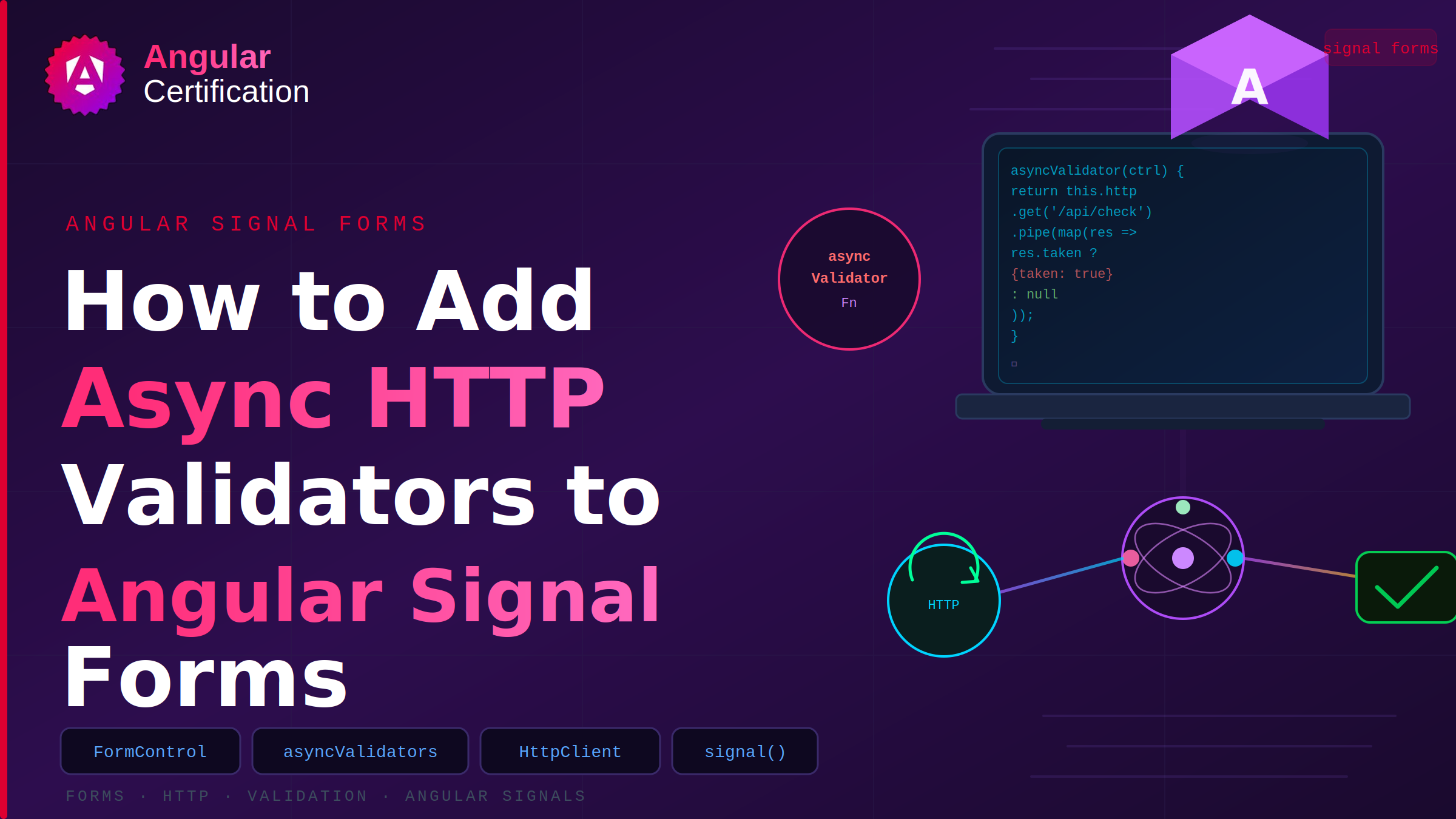
How to Add Async HTTP Validators to Angular Signal Forms
Learn how to implement asynchronous validation in Angular Signal Forms using validateHttp(). This guide shows how to validate user input with APIs for uniqueness checks, server-side rules, and other HTTP-based validation scenarios.
Alain Chautard
July 14, 2026
Asynchronous validation is used when checking constraints that require external resources such as:
- Uniqueness checks (e.g., checking if a username is already taken)
- Database or API lookups
- Server-side business rules
Enter validateHttp()
Angular Signal Forms provide the validateHttp() function for standard API-based validation checks. It takes a request function that returns the URL to validate, and onSuccess and onError callbacks.
Here is a basic example:
validateHttp(path.address.zip, {
   request: (ctx) => {
      // Using valueOf to read the current value of another field
      const country = ctx.valueOf(path.address.country);
      // Getting current zip value
      const zip = ctx.value();
      // Returning API URL based on user values
      return `https://api.zippopotam.us/${country}/${zip}`;
    },
   onSuccess: () => undefined,
   onError: (err) => {
     return { kind: 'invalidZip', message: 'Zip code is not valid' };
   },
});
Every time the zip code is updated by the user, the HTTP request to the validation API is made. Requests are automatically canceled if the value changes before the server responds.
Note that onError is a callback that returns a process error (network issue, server unreachable, etc.), not a validation error. Validation errors have to be dealt with in the onSuccess callback, which means “Validation ran successfully”, not “Validation didn’t find any problem”.
If we want to wait a little bit before validating, we can use debouncing strategies, the simplest option being:
  validateHttp(path.address.zip, {
    request: (ctx) => {
      const country = ctx.valueOf(path.address.country);
      const zip = ctx.value();
      return `https://api.zippopotam.us/${country}/${zip}`;
    },
    // Wait for 300ms after last value update before validating
    debounce: 300,
    onSuccess: () => undefined,
    onError: (err) => {
      return { kind: 'invalidZip', message: 'Zip code is not valid' };
    },
  });
This example will wait 300 milliseconds after the user stops typing before making the HTTP request to validate the zip code. If the user types another character before the 300 milliseconds have passed, the timer will be reset.
Note that this validator-level debounce option accepts a number of milliseconds or a custom DebounceTimer function (from @angular/core).
When does async validation run?
Note that asynchronous validation runs only after all synchronous validation rules have passed. This prevents unnecessary server requests: if a field fails a required or pattern check, no HTTP request is made.
When async validation runs, the field’s pending() signal returns true. During this time:
valid()returns falseinvalid()returns falseerrors()returns an empty arraysubmit()waits for validation to complete
Complete guide for Angular Signal Forms
For more information about Angular Signal Forms, check out my book on Amazon: Angular Signal Forms.
More certificates.dev articles
Get the latest news and updates on developer certifications. Content is updated regularly, so please make sure to bookmark this page or sign up to get the latest content directly in your inbox.
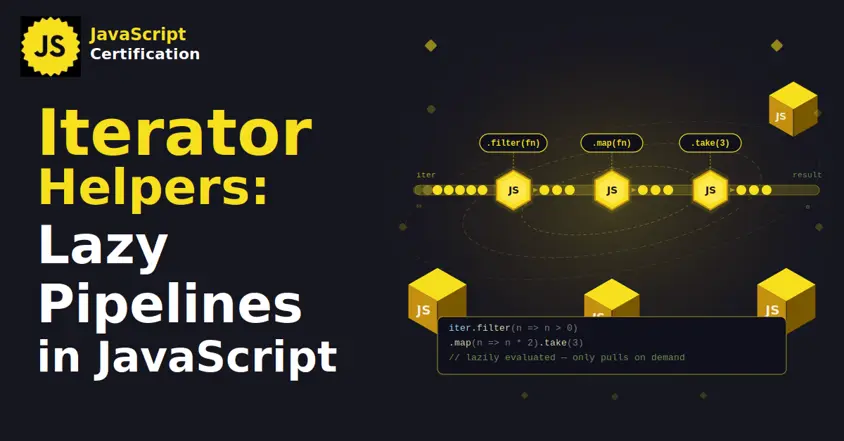
Iterator Helpers: Lazy Pipelines in JavaScript
ES2025 added map, filter, take and drop to iterators. Learn how lazy pipelines skip intermediate arrays, handle infinite sequences, and where they do not help.

Martin Ferret
Oct 6, 2026
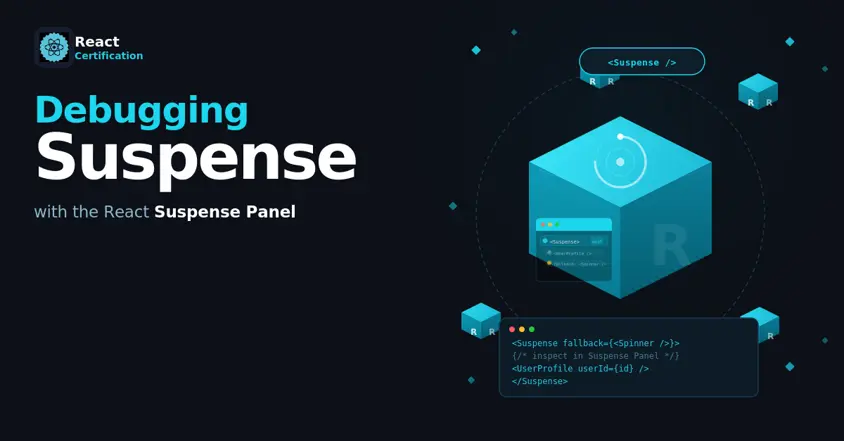
Debugging Suspense with the React Suspense Panel
The Suspense panel in React Developer Tools shows which boundary suspended, what it was waiting for, and the order your page revealed its content.

Aurora Scharff
Oct 1, 2026
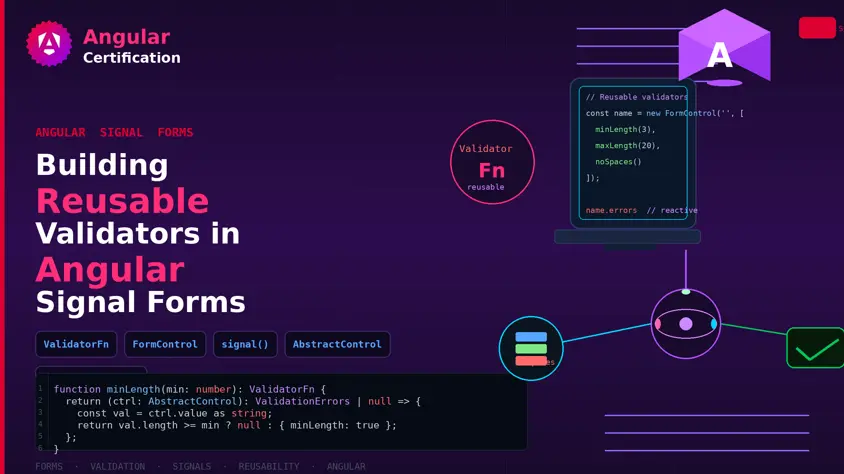
Building Reusable Validators in Angular Signal Forms
Learn how to create reusable custom validators with Angular Signal Forms, with practical examples for building flexible and maintainable form validation.
Alain Chautard
Sep 29, 2026