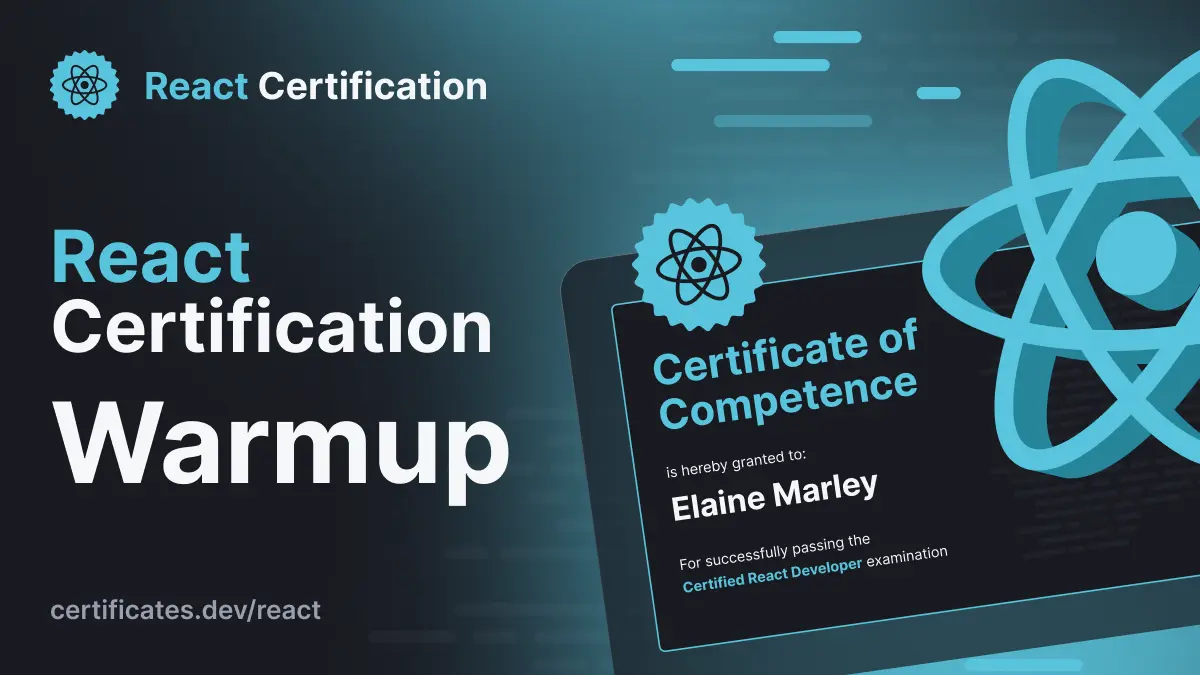
Discover what it takes to be React Certified
The program is designed to validate your competence through real-world coding challenges prepared and reviewed by industry leaders. To help you get ready for the exams, we have developed preparation guides that will give you specific insight into the area of knowledge that you have to have to successfully be certified.

Alain Chautard
June 23, 2025
The React Certification program is designed to validate your competence through real-world coding challenges prepared and reviewed by industry leaders.
To help you get ready for the exams, we have developed preparation guides that will give you specific insight into the area of knowledge that you have to have to successfully be certified.
The React Certification will be divided into three levels:
Level 1 - Certified Junior-Level React Developer: Focuses on foundational React knowledge, perfect for landing junior dev roles. Here you would be expected to know about core JavaScript fundamentals (ES6+), React essentials, JSX syntax, basic rendering, component basics (props, children), event handling, and fundamental state management with Hooks. Please see the preparation guide below for a full listing of all the requirements for this level.
Level 2 - Certified Mid-Level React Developer: Passing level 2 means you’re familiar with more advanced concepts and strategies and have a better grasp of practical React patterns and strategies. Here, you would be expected to know about advanced JavaScript concepts, React development tooling (Vite, Babel, React DevTools), intermediate component concepts (Pure Components, StrictMode), advanced event handling, intermediate state management (Context API), and intermediate React Hooks (custom hooks). Passing level 2 would make you a great general hire. There is a full preparation guide available for this level, please see below.
Level 3 - Certified Senior-Level React Developer: Passing level 3 means you are at the top of the React developer pool. You are familiar with the most advanced concepts and can architect large-scale apps with React. Passing level 3 would position you for senior-level positions.
Sign up on https://certificates.dev/react so you don't miss out on early bird discounts, free weekends, training resources, exam prep tips, and other important updates.
Ready to prove your React skills?
Get certified in ReactMore React articles
Keep learning React. Then get certified when you are ready.
Debugging Suspense with the React Suspense Panel
The Suspense panel in React Developer Tools shows which boundary suspended, what it was waiting for, and the order your page revealed its content.

Aurora Scharff
Oct 1, 2026
What's New in React 19.3
Explore what's new in React 19.3, including stable View Transitions, Fragment Refs, browser-only rendering, Trusted Types, and RSC updates.
Aurora Scharff
Sep 17, 2026
React's New browser API: Rendering Components Only in the Browser
Learn how React’s new Canary browser API uses Suspense to render browser-only components without hydration mismatches or mounted-state workarounds.
Aurora Scharff
Sep 3, 2026