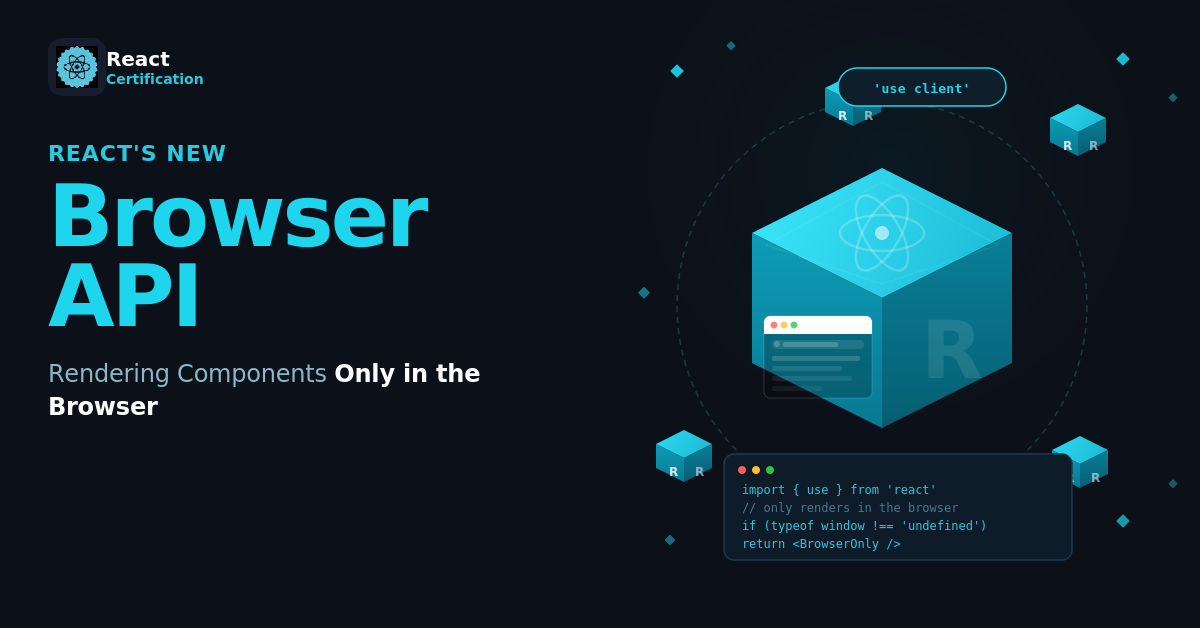
React's New browser API: Rendering Components Only in the Browser
Learn how React’s new Canary browser API uses Suspense to render browser-only components without hydration mismatches or mounted-state workarounds.

Aurora Scharff
September 3, 2026
Server-side rendering (SSR) means React renders your components into HTML on the server before the JavaScript loads. The browser can display that HTML first, then React hydrates it by attaching the component logic and event handlers. The first browser render must match the HTML produced by the server.
SSR fails when a component reads a browser-only value such as localStorage or window during rendering.
React Canary now includes a browser API for this case. It lets a component stop rendering on the server, leave its nearest Suspense fallback in the HTML, and continue rendering in the browser:
import { use } from 'react';
import { browser } from 'react-dom';

function BrowserOnly() {
  use(browser('This component requires browser APIs.'));

  return <BrowserContent />;
}
Canary:
browseris currently available only in React's Canary and Experimental release channels.
Reading a Saved Draft From localStorage
Imagine a draft editor that initializes its state from localStorage:
import { useState } from 'react';

function SavedDraft() {
  const [draft, setDraft] = useState(
    () => localStorage.getItem('draft') ?? ''
  );

  function handleChange(event) {
    const nextDraft = event.target.value;
    setDraft(nextDraft);
    localStorage.setItem('draft', nextDraft);
  }

  return (
    <label>
      Draft
      <textarea value={draft} onChange={handleChange} />
    </label>
  );
}
This works in a client-rendered app, but server rendering fails because localStorage does not exist on the server.
What You Might Have Done Before
A common fix is to check whether window exists:
const [draft, setDraft] = useState(() =>
  typeof window === 'undefined'
    ? ''
    : localStorage.getItem('draft') ?? ''
);
The server now renders an empty draft. However, if the browser has a saved value, the first client render contains different text. React expects the server and client output to match during hydration, so branching this way can create a hydration mismatch.
Another approach is to render a fallback until an Effect confirms that the component has mounted in the browser:
import { useEffect, useState } from 'react';

function SavedDraft() {
  const [isMounted, setIsMounted] = useState(false);

  useEffect(() => {
    setIsMounted(true);
  }, []);

  return isMounted ? <DraftEditor /> : <p>Loading draft...</p>;
}
This avoids the mismatch, but it adds state, an Effect, and another render after hydration.
Frameworks have also provided their own solutions. In Next.js, using next/dynamic with ssr: false has been a common way to keep a Client Component out of server rendering:
'use client';

import dynamic from 'next/dynamic';

const DraftEditor = dynamic(() => import('./draft-editor'), {
  ssr: false,
});
The new browser() API brings that choice into React itself.
What use() Does
React's use() API reads a resource, such as a Promise or context, during rendering. When you pass it a Promise, that part of the component tree suspends and the nearest Suspense boundary controls what appears while React waits.
Unlike Hooks such as useState, use() can be called conditionally. The new browser() API follows the same resource pattern by returning a value for use() to read.
Calling browser() by itself has no effect. Its return value has to be passed to use() inside the component that needs to render in the browser.
Combining use() and browser()
We can remove the mounted state by calling browser() inside React's use() API and placing the component inside a Suspense boundary:
import { Suspense, use, useState } from 'react';
import { browser } from 'react-dom';

function DraftEditor() {
  use(browser('The saved draft is stored in localStorage.'));

  const [draft, setDraft] = useState(
    () => localStorage.getItem('draft') ?? ''
  );

  function handleChange(event) {
    const nextDraft = event.target.value;
    setDraft(nextDraft);
    localStorage.setItem('draft', nextDraft);
  }

  return (
    <label>
      Draft
      <textarea value={draft} onChange={handleChange} />
    </label>
  );
}

export default function Page() {
  return (
    <main>
      <h1>New post</h1>
      <Suspense fallback={<p>Loading draft...</p>}>
        <DraftEditor />
      </Suspense>
    </main>
  );
}
During SSR, React stops rendering DraftEditor when it reaches use(browser()). It uses the nearest Suspense fallback for the initial HTML, so the localStorage initializer never runs on the server.
In the browser, use(browser()) returns undefined and React continues rendering the component. It can now read the saved draft from localStorage and replace the fallback with the editor.
The optional string explains why the component needs the browser. React can include it when reporting browser-only rendering on the server, which makes these intentional cases easier to find in logs.
The Suspense Boundary Is Required
This works differently from passing a Promise to use(). A Promise may resolve while React is rendering the response, allowing the server to try the component again. Browser APIs will never become available on the server, so React uses the fallback and leaves that part for the browser.
Without a Suspense boundary, React has no fallback to render and the server render fails. Keep the boundary close to the browser-only component so the server can still render the rest of the page.
The fallback becomes part of the initial HTML and remains visible until the JavaScript loads and React renders the boundary in the browser. It should provide a useful initial state and reserve enough space for the content that replaces it. A small boundary also limits how much content has to wait for client rendering.
How browser() Differs From 'use client'
In a React Server Components app, the 'use client' directive marks the boundary between server and client code. It allows a component to use state, Effects, and event handlers, but Client Components can still produce HTML on the server.
The use(browser()) call controls that server render. It tells React to leave the component's subtree for the browser and render the nearest Suspense fallback in its place.
React requires the component that calls use(browser()) to be a Client Component:
'use client';

import { use, useState } from 'react';
import { browser } from 'react-dom';

export default function SavedDraft() {
  use(browser('The saved draft is stored in localStorage.'));

  const [draft] = useState(
    () => localStorage.getItem('draft') ?? ''
  );

  return <DraftEditor initialDraft={draft} />;
}
For more on deciding where that boundary belongs, see React Server Components in Practice: Patterns and Pitfalls.
When to Use browser()
The saved draft covers state that only exists in the browser. The same API can keep DOM-dependent modules and user-specific environment data out of the server render.
Rendering a Code Editor That Needs the DOM
A code editor may depend on DOM selection APIs, observers, and layout measurements during rendering. When the module itself is safe to import on the server, it can use a regular import:
import { Suspense, use } from 'react';
import { browser } from 'react-dom';
import CodeEditor from './code-editor.js';

function BrowserCodeEditor({ code, onChange }) {
  use(browser('The code editor requires DOM selection APIs.'));

  return <CodeEditor value={code} onChange={onChange} />;
}

export function Playground({ code, onChange }) {
  return (
    <Suspense fallback={<EditorSkeleton />}>
      <BrowserCodeEditor code={code} onChange={onChange} />
    </Suspense>
  );
}
The server reaches use(browser()) before rendering CodeEditor, so it leaves EditorSkeleton in the HTML. The browser continues past that call and renders the editor with access to the DOM.
Showing the User's Time Zone
An event page may know the event's time zone on the server, but the user's time zone comes from the browser. We can keep the user's value behind a Suspense fallback instead of rendering a date that changes after hydration.
Because use() can be called conditionally, we can write a useTimeZone() Hook that returns initial data when it exists and calls use(browser()) when it does not:
import { Suspense, use } from 'react';
import { browser } from 'react-dom';

function useTimeZone(initialTimeZone) {
  if (initialTimeZone !== undefined) {
    return initialTimeZone;
  }

  use(browser('No initial time zone was provided.'));
  return Intl.DateTimeFormat().resolvedOptions().timeZone;
}

function TimeZone({ label, initialTimeZone }) {
  const timeZone = useTimeZone(initialTimeZone);
  return <p>{label}: <strong>{timeZone}</strong></p>;
}

export function EventDetails() {
  return (
    <>
      <TimeZone
        label="Event time zone"
        initialTimeZone="America/New_York"
      />
      <Suspense fallback={<p>Loading your time zone...</p>}>
        <TimeZone label="Your time zone" />
      </Suspense>
    </>
  );
}
The event time zone renders in the server HTML. The user's time zone appears once the browser can read it, while the fallback stays on screen until then.
Trying It in Canary
To test the API outside a framework, install matching Canary versions of react and react-dom:
npm install --save-exact react@canary react-dom@canary
The --save-exact flag pins both packages because Canary releases may contain breaking changes.
If a framework manages React for you, check whether it includes a compatible React build and server renderer. The Next.js App Router uses a built-in React Canary build, so a future Next.js release may include browser() automatically.
Conclusion
The browser API gives React an explicit path for components whose first meaningful render requires browser state. The server can finish the surrounding page, send a deliberate fallback, and leave only that boundary for client rendering.
This does trade server-rendered content for the fallback until hydration. Keep the boundary focused and choose a fallback that belongs in the initial page.
Sources:
- React Documentation >
browser - React Documentation >
use - React Documentation >
<Suspense> - React Documentation >
hydrateRoot - React Documentation > Server Components
- React Documentation >
'use client' - React Blog > React Canaries: Incremental Feature Rollout Outside Meta
- Next.js Documentation > Rendering components only in the browser
- Next.js Documentation > Installation
More certificates.dev articles
Get the latest news and updates on developer certifications. Content is updated regularly, so please make sure to bookmark this page or sign up to get the latest content directly in your inbox.
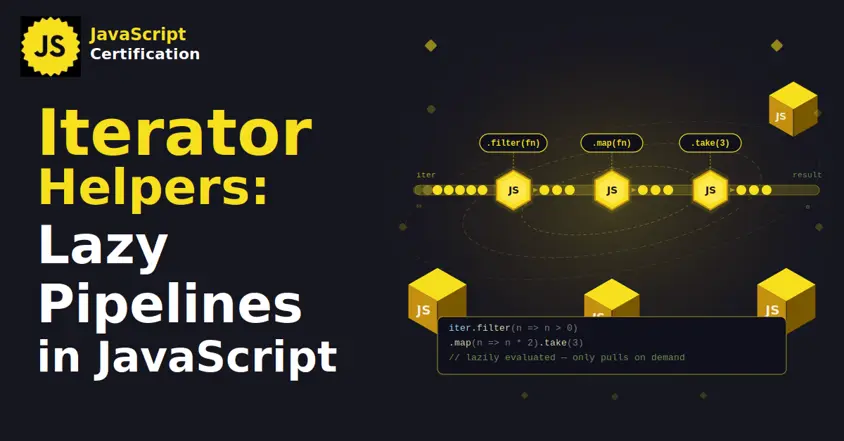
Iterator Helpers: Lazy Pipelines in JavaScript
ES2025 added map, filter, take and drop to iterators. Learn how lazy pipelines skip intermediate arrays, handle infinite sequences, and where they do not help.

Martin Ferret
Oct 6, 2026
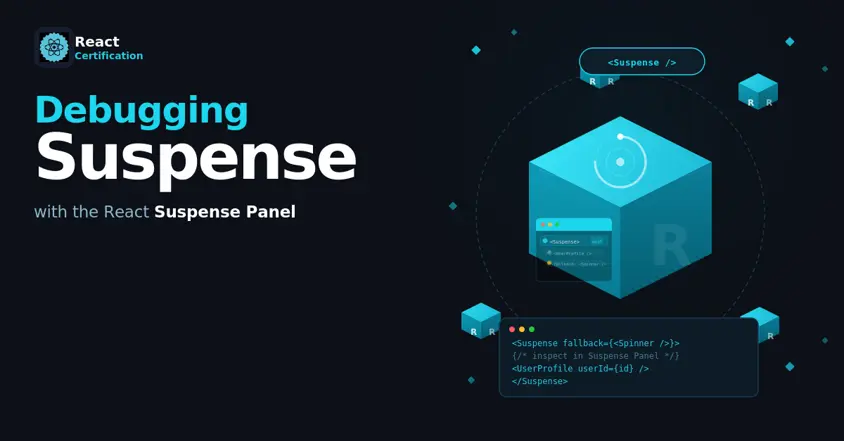
Debugging Suspense with the React Suspense Panel
The Suspense panel in React Developer Tools shows which boundary suspended, what it was waiting for, and the order your page revealed its content.
Aurora Scharff
Oct 1, 2026
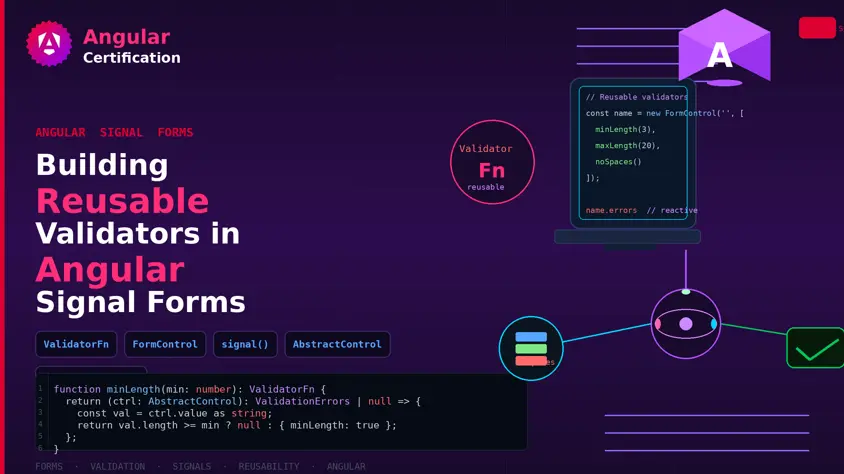
Building Reusable Validators in Angular Signal Forms
Learn how to create reusable custom validators with Angular Signal Forms, with practical examples for building flexible and maintainable form validation.
Alain Chautard
Sep 29, 2026