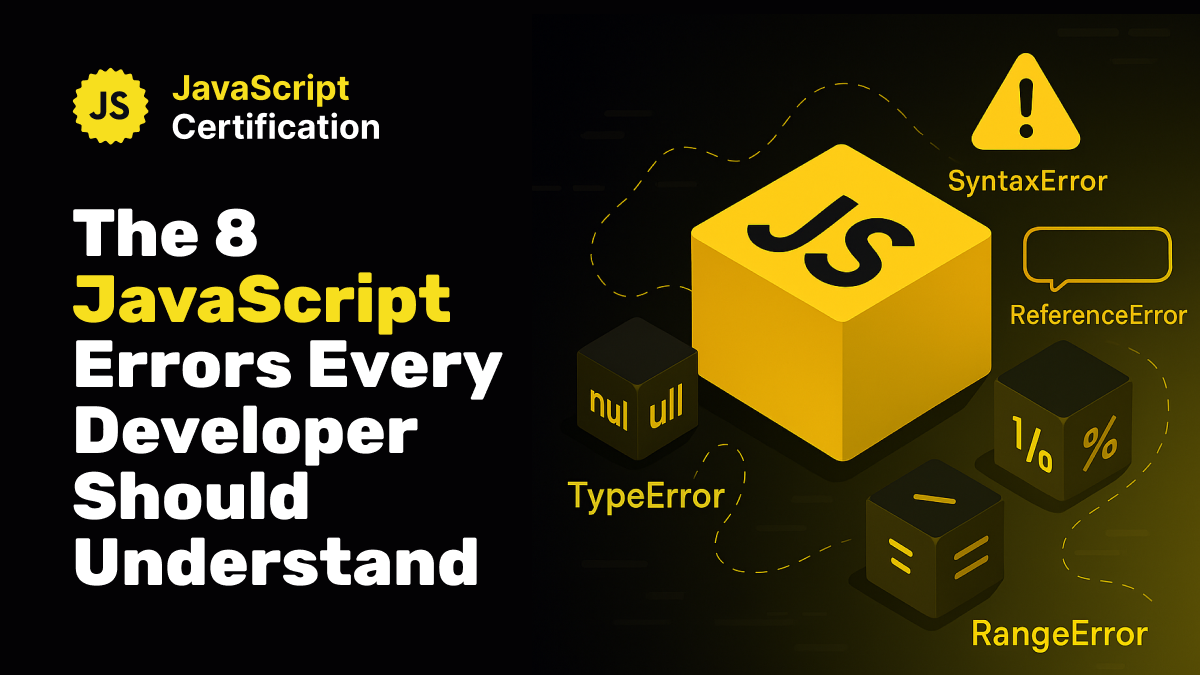
The 8 JavaScript Errors Every Developer Should Understand
Understanding JavaScript errors is essential for debugging efficiently. Discover the 8 native error types with clear explanations and practical examples.

Martin Ferret
December 5, 2025
The 8 JavaScript Errors Every Developer Should Understand
Debugging is part of every JavaScript developer’s daily life. But if you want to move fast and understand what the interpreter is telling you, you need to master the native error types built into the language.
Some errors appear before your script even runs, while others explode right in the middle of execution.
Here's a clear guide to the 8 core error types, with simple explanations and examples.
1. SyntaxError – The code can’t even run
This error means your code is invalid JavaScript.
The interpreter stops before execution.
`if (true {
console.log("ok")
}
// Uncaught SyntaxError`
Common causes:
- missing parentheses or braces
- stray commas
- invalid JSON
If you see this → fix the syntax, not the logic.
2. ReferenceError – The variable doesn’t exist
This happens when you use a variable that is not declared, misspelled, or out of scope.
`console.log(name) // ReferenceError: name is not defined`
Common causes:
- typos:
usrinstead ofuser - using a variable before its
letorconstdeclaration - misunderstandings with scope or closures
3. TypeError – Wrong type for the operation
JavaScript is telling you:
“You’re doing something impossible with this type.”
`const user = null
user.toString() // TypeError: Cannot read properties of null`
This is the most common error in real-world JS.
4. RangeError – Value is outside allowed boundaries
The value exists, but it’s invalid for the expected range.
`new Array(-1) // RangeError: Invalid array length`
Another typical case:
Maximum call stack size exceeded
→ Usually caused by infinite recursion.
5. URIError – Malformed URLs
Related to
`encodeURI`, `decodeURI`, and `decodeURIComponent`.

`decodeURIComponent('%') // URIError: malformed URI sequence`

Happens with incorrectly encoded query strings or malformed URLs.
6. EvalError – Very rarely seen today
Historically tied to the
`eval()` function.
It still exists for backwards compatibility but is almost never encountered.
You can safely ignore it unless you’re working with low-level JS features.
7. AggregateError – Multiple errors bundled together
Common when using Promise-based APIs like Promise.any.
`Promise.any([
   Promise.reject(new Error("A")),
   Promise.reject(new Error("B"))
]).catch(err => {
   console.log(err instanceof AggregateError) // true
   console.log(err.errors) // [Error: A, Error: B]
})`
Useful for parallel execution scenarios.
8. Error – The generic base class
All errors inherit from this.
`throw new Error("Something went wrong")`
You can create your own custom errors:
`class ValidationError extends Error {}`
This becomes powerful in complex applications or clean architecture setups.
If you understand these 8 error types, debugging becomes dramatically easier.
You immediately know:
- what the interpreter is complaining about
- where the problem likely comes from
- how to fix it fast
Mastering JavaScript errors = writing code with confidence.
More certificates.dev articles
Get the latest news and updates on developer certifications. Content is updated regularly, so please make sure to bookmark this page or sign up to get the latest content directly in your inbox.

Iterator Helpers: Lazy Pipelines in JavaScript
ES2025 added map, filter, take and drop to iterators. Learn how lazy pipelines skip intermediate arrays, handle infinite sequences, and where they do not help.
Martin Ferret
Oct 6, 2026

Debugging Suspense with the React Suspense Panel
The Suspense panel in React Developer Tools shows which boundary suspended, what it was waiting for, and the order your page revealed its content.

Aurora Scharff
Oct 1, 2026

Building Reusable Validators in Angular Signal Forms
Learn how to create reusable custom validators with Angular Signal Forms, with practical examples for building flexible and maintainable form validation.
Alain Chautard
Sep 29, 2026