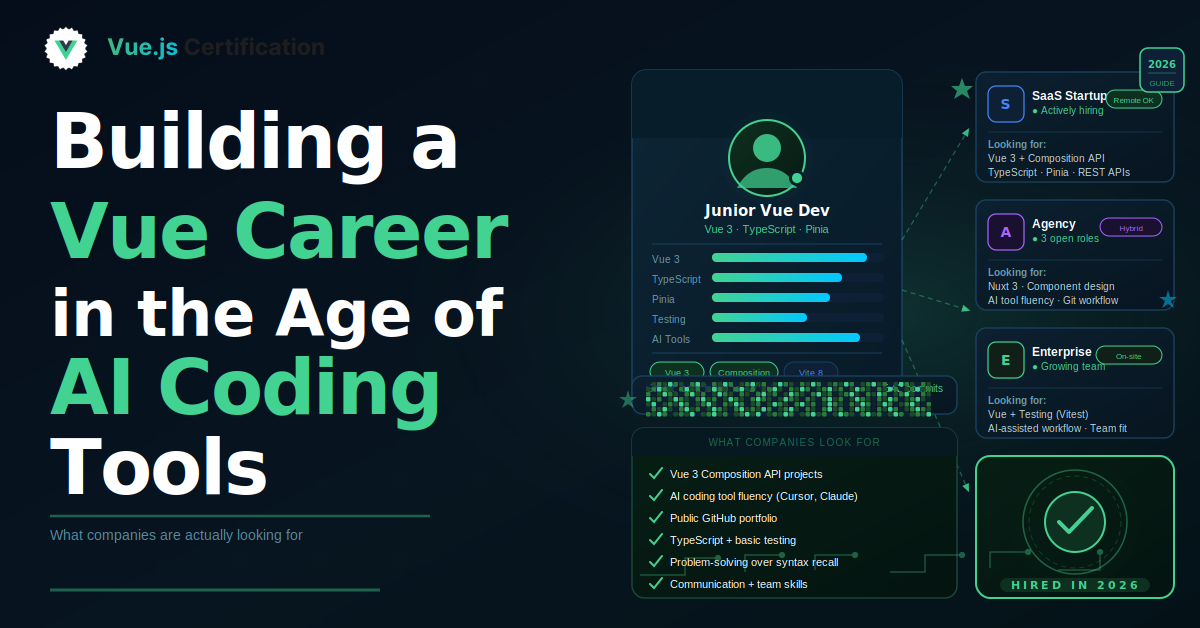
Building a Vue Career in the Age of AI Coding Tools
How Junior Vue Developers Can Get Hired in 2026 and and what companies are looking for

Reza Baar
August 12, 2026
What Employers Want From Junior Vue Developers Now
Finding your first or second Vue job is difficult right now. That does not mean Vue is disappearing or that companies have stopped hiring frontend developers. It means the definition of a job-ready junior developer has changed.
Many open roles still use Vue or Nuxt, but companies rarely hire someone for Vue knowledge alone. Even when Vue is the main frontend framework, job descriptions often ask for TypeScript, API integration, testing, accessibility, performance, deployment knowledge, and the ability to work with product and design teams.
The wider hiring market is also challenging for early-career developers. HackerRank's 2025 Developer Skills Report found that 74 percent of developers struggled to land a job, with junior hiring recovering more slowly than hiring for experienced candidates.
For junior Vue developers, knowing component syntax is only the starting point. You need to show that you can use Vue to build reliable product features, work with the rest of a modern web stack, and explain the choices you make.
This guide looks at what recent job postings are asking for, how AI-assisted and agentic development are changing expectations, and what you can focus on to improve your chances of getting hired.
Companies are hiring for a broader skill set
A scan of recent frontend and full-stack postings shows a consistent pattern. Vue is usually one part of a larger role.
Current listings that mention Vue often combine it with skills and responsibilities such as:
- TypeScript
- Node.js, Python, PHP, Java, or another backend language
- REST or GraphQL APIs
- State management
- Unit, integration, and end-to-end testing
- Responsive design and accessibility
- Performance monitoring and error tracking
- CI/CD pipelines and cloud platforms
- Product thinking and cross-functional collaboration
- AI-assisted development tools
For example, current roles at companies such as n8n, Allocate, and Aditude combine Vue with TypeScript, backend work, testing, production reliability, product ownership, or AI-assisted workflows.
Most of these examples are not junior roles, which is useful information by itself. They show where the market is moving and what companies expect developers to grow into. You do not need senior-level depth in every area, but you should understand how a Vue application fits into a real product.
A frontend application receives data, handles errors, supports users with different needs, runs across devices, and eventually reaches production. Employers want signs that you understand this full path, even if you have not handled every part professionally yet.
Vue skills that still matter
The market may be asking for broader skills, but Vue knowledge is still important. A long list of tools will not make up for a weak understanding of the framework.
Vue 3 and the Composition API
You should be comfortable building applications with Vue 3 and <script setup>. You should understand:
- Props and emitted events
- Slots
- Reactive state, Computed values and watchers
- Lifecycle hooks
- Reusable composables
- Component communication
- Basic performance considerations
You should also understand where state belongs.
Some state should stay inside a component. Some logic is easier to reuse through a composable. Shared application state may belong in a store. Being able to explain that decision matters more than using a store in every project.
TypeScript
TypeScript is one of the most valuable skills a junior Vue developer can add. It appears regularly in modern Vue job postings, and Vue provides first-class TypeScript support.
You do not need advanced type-level programming. Focus on practical skills:
- Typing component props and emitted events
- Defining API response models
- Handling optional and nullable values
- Typing composables
- Reading common generic types
- Avoiding unnecessary use of
anyand learn where you can useunknowninstead
The goal is not to create complicated types. The goal is to make your code safer, clearer, and easier to change.
State management
Learn local state before reaching for a global store. Once you understand local component state and composables, learn Pinia.
You should be able to:
- Create a store
- Read and update state
- Define getters
- Run asynchronous actions
- Reset state when needed
- Keep temporary interface state out of the global store
In an interview, be ready to explain why a value belongs in Pinia instead of a component or composable. That explanation shows that you understand the tradeoff.
Routing and data fetching
Most useful Vue applications have several pages and communicate with a server.
You should know how to:
- What Vue Router is and how to configure it
- Work with route parameters and query strings
- Handle protected routes
- Represent loading, success, empty, and error states
- Handle failed API requests
- Prevent outdated requests from replacing newer data
- Separate data-fetching logic from presentation when it improves clarity
Do not build a portfolio where every request succeeds immediately. Real applications deal with slow connections, missing data, invalid input, expired sessions, and server errors.
Nuxt
Nuxt is worth learning because it expands the number of Vue-related jobs you can apply for. It is used for server-rendered applications, content sites, full-stack Vue products, and applications that need strong search visibility.
At a minimum, understand:
- File-based routing
- Layouts and Middleware
- Server-side rendering and Static generation
- Data-fetching conventions
- Server routes
- Basic search engine optimization
You do not need to master every Nuxt feature. One polished Nuxt project is more useful than several unfinished demos.
Frontend fundamentals still decide interviews
Vue does not replace JavaScript, HTML, or CSS.
A developer who knows Vue syntax but struggles with JavaScript fundamentals will have trouble debugging components, transforming data, handling asynchronous work, or reading an unfamiliar codebase.
Make sure you understand:
- Objects, arrays, functions, and modules
- Array methods such as
map,filter,find, andreduce - Promises and
asyncfunctions - Scope and closures
- Event propagation
- Basic browser APIs
- HTTP requests and status codes
- Semantic HTML and best practices for accessibility
- Forms and validation
- Flexbox and Grid
- Responsive design
Recent frontend postings continue to ask for strong JavaScript or TypeScript, semantic HTML, CSS, accessibility, API integration, performance, and browser debugging.
These fundamentals also make framework changes less stressful. A company may use Vue today and introduce another tool later. Strong web knowledge helps you adapt without starting over.
Your portfolio should look like product work
A portfolio does not need to be large. It needs to feel believable.
A tutorial clone shows that you can follow instructions. It does not show how you make decisions when the requirements are incomplete.
Make a project that gives you useful decisions to discuss. An inventory system, appointment manager, team dashboard, personal finance tracker, or content management interface will usually give you more to explain than a static landing page.
Your README should cover:
- The problem the project solves
- The main features
- Important technical choices
- Setup instructions
- The testing approach
- Known limitations
- What you would improve next
Employers know that junior portfolio projects will not be perfect. Showing that you can identify limitations is a sign of awareness, not failure.
Show one feature from start to finish
Many current job descriptions emphasize ownership. For a junior developer, ownership does not mean leading an entire product. It means being able to take a small, well-defined problem through the full development process.
For example, you might explain how you built a searchable customer list:
- You clarified what users needed to search and filter.
- You planned the component structure.
- You defined TypeScript models for the API data.
- You handled loading, empty, success, and error states.
- You added keyboard-friendly controls and clear labels.
- You wrote tests for the main interactions.
- You deployed the feature and checked the production build.
- You documented the important decisions.
That story sounds much closer to professional work than a list of packages from your package.json.
Testing is becoming a basic expectation
Testing is no longer limited to senior engineers or dedicated quality assurance teams. Current Vue and frontend job postings regularly mention unit, integration, or end-to-end testing.
For a junior Vue developer, a practical testing foundation is enough:
- Test utility functions with Vitest
- Test component behavior with Vue Test Utils
- Test important user flows with Playwright or Cypress
- Mock successful and failed API responses
- Avoid testing private implementation details
- Focus on behavior that matters to the user
You should be able to explain what each test protects and why that behavior matters.
Learn enough backend work to collaborate
Many Vue roles are described as frontend positions but still expect some backend awareness. Other roles are openly full stack.
You do not need to become a backend specialist. You should understand:
- How REST APIs are structured
- Common HTTP methods
- Authentication with cookies or tokens
- Basic database concepts
- Environment variables
- Cross-origin request rules
Learning some Node.js is a natural option because you can continue using JavaScript or TypeScript. Nuxt server routes are another approachable way to learn how server-side code works.
The goal is not to compete with a backend engineer. The goal is to communicate clearly, understand the data you receive, and debug problems across the boundary between the browser and the server.
AI has changed how developers work
AI coding tools are now a normal part of software development.
The 2025 Stack Overflow Developer Survey found that 84 percent of respondents were using or planning to use AI tools in their development process. It also found that 51 percent of professional developers used them daily.
Usage is high, but trust is more complicated. Developers often report that AI-generated solutions are close to correct without being fully reliable. That means reviewing, testing, and debugging generated code have become important parts of the workflow.
Agentic development pushes this further. Coding agents can inspect a repository, modify several files, generate tests, run commands, and prepare a larger change. This can save time, but it also produces more work that needs careful review.
For junior developers, this changes what being job-ready looks like. Typing code quickly matters less than understanding whether the code is correct, maintainable, secure, and appropriate for the product.
Use AI without giving up control
There is no need to pretend that you never use AI tools. There is also no value in submitting an AI-generated project that you cannot explain.
AI can be useful for:
- Exploring an unfamiliar API
- Generating a first draft of a test
- Reviewing a component for missing states
- Explaining an error message
- Comparing implementation options
- Creating repetitive setup code
- Finding areas that need documentation
You still need to verify the result.
Read every generated change. Run the application. Check the types. Run the tests. Try unusual input. Review accessibility. Confirm that any suggested package is maintained and suitable for the project.
A useful portfolio README can briefly explain where AI helped and how you checked its output. This shows that you can use modern tools while keeping responsibility for the final result.
Skills that matter more in an AI-assisted market
As AI handles more routine implementation, several engineering skills become more valuable.
Debugging
Generated code can look convincing before it is tested. You need to know how to inspect network requests, read console errors, use breakpoints, trace state changes, and reduce a problem to its smallest form.
Practice debugging code that you did not write. That is closer to the work you will do on a team.
Reading code
You will spend a lot of time reviewing existing code, including code written by teammates, libraries, and AI tools.
Open an unfamiliar Vue repository and try to answer these questions:
- Where are the routes defined?
- How does state move through the application?
- Where do API requests happen?
- How are errors handled?
- Which components are reusable?
- Where are the tests?
- How is the project built and deployed?
Code-reading skill helps you become useful in an existing codebase faster.
Breaking down problems
AI tools perform better when a task has clear boundaries. Development teams do too.
Before coding, write down:
- The user goal
- The required data
- The interface states
- The likely edge cases
- The acceptance criteria
- The definition of completion
This makes your work easier to estimate, build, review, and test.
Verification
Do not stop when the application appears to work.
Check types, automated tests, browser behavior, keyboard navigation, error states, performance, and production output. Verification is becoming a core engineering skill rather than a final optional step.
Communication
Current job postings frequently mention collaboration with product managers, designers, backend developers, and other engineers. They also ask for clear documentation, thoughtful code reviews, and the ability to discuss tradeoffs.
You do not need a perfect answer to every question. You need to explain what you know, what you checked, what you are unsure about, and how you would find the missing information.
Search beyond "Junior Vue Developer"
A narrow job search can hide relevant opportunities.
Search for titles such as:
- Junior frontend developer
- Frontend engineer
- Web application developer
- JavaScript developer
- TypeScript developer
- Product engineer
- Full-stack JavaScript developer
- UI developer
- Software engineer
Then read the actual stack and responsibilities.
Some companies list Vue in the title. Others mention it inside the description. Some accept experience with Vue or another component framework if the candidate has strong JavaScript and frontend fundamentals.
Prepare to explain your decisions
For each important portfolio feature, be ready to answer questions such as:
- Why did you choose this component structure?
- Why is this state local or global?
- How do you handle failed requests?
- What happens when the data set becomes large?
- How is the form accessible?
- What does your test suite protect?
- What would you refactor first?
- Which part was most difficult?
- How did you verify AI-generated code?
- What did you learn while building the feature?
You do not need the most advanced answer. A clear, honest explanation is better than repeating technical terms you do not fully understand.
A practical learning order
Trying to learn everything at once usually leads to shallow knowledge.
A sensible order for a junior Vue developer is:
- Strengthen HTML, CSS, and JavaScript.
- Learn Vue 3 components and reactivity.
- Add Vue Router and API integration.
- Add TypeScript.
- Learn Pinia and reusable composables.
- Add component and end-to-end tests.
- Build and deploy a complete project.
- Learn the basics of Nuxt.
- Learn basic backend and database concepts.
- Practice using AI tools with careful review.
You can apply for jobs before finishing the full list. Learning and job searching should happen at the same time.
Read real job descriptions every week. Track the skills that appear repeatedly in roles available to you, then compare those patterns with your current projects.
What can help you stand out
The junior Vue market is competitive, but many applications still look similar. They include the same tutorial projects, broad skill lists, and short descriptions with little evidence of quality.
You can stand out by showing that you:
- Understand JavaScript rather than only Vue syntax
- Use Vue 3 and TypeScript confidently
- Can connect an interface to an API
- Think about errors, accessibility, and performance
- Write useful tests
- Deploy your work
- Document technical decisions
- Review and verify AI-generated code
- Communicate clearly
- Finish projects
You do not need to present yourself as a senior developer. You need to look like a junior developer who can contribute, learn, and be trusted with a well-defined feature.
Final thoughts
The requirements for entering Vue development have expanded.
A few years ago, learning component syntax and building several small applications may have been enough to start getting interviews. Today, companies often expect junior candidates to understand more of the full development process.
Learn Vue well enough to explain your choices. Add TypeScript, API integration, testing, accessibility, and deployment. Use AI tools, but review their work and keep your technical judgment active.
Most importantly, build projects that feel like useful software rather than coding exercises.
More certificates.dev articles
Get the latest news and updates on developer certifications. Content is updated regularly, so please make sure to bookmark this page or sign up to get the latest content directly in your inbox.
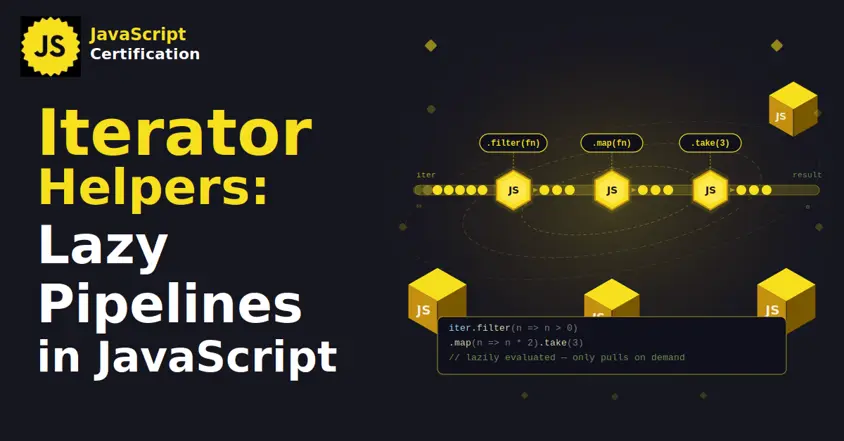
Iterator Helpers: Lazy Pipelines in JavaScript
ES2025 added map, filter, take and drop to iterators. Learn how lazy pipelines skip intermediate arrays, handle infinite sequences, and where they do not help.

Martin Ferret
Oct 6, 2026
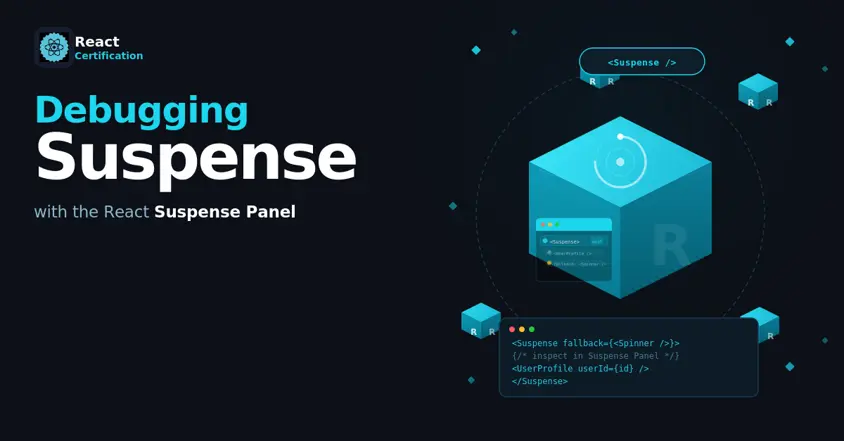
Debugging Suspense with the React Suspense Panel
The Suspense panel in React Developer Tools shows which boundary suspended, what it was waiting for, and the order your page revealed its content.

Aurora Scharff
Oct 1, 2026
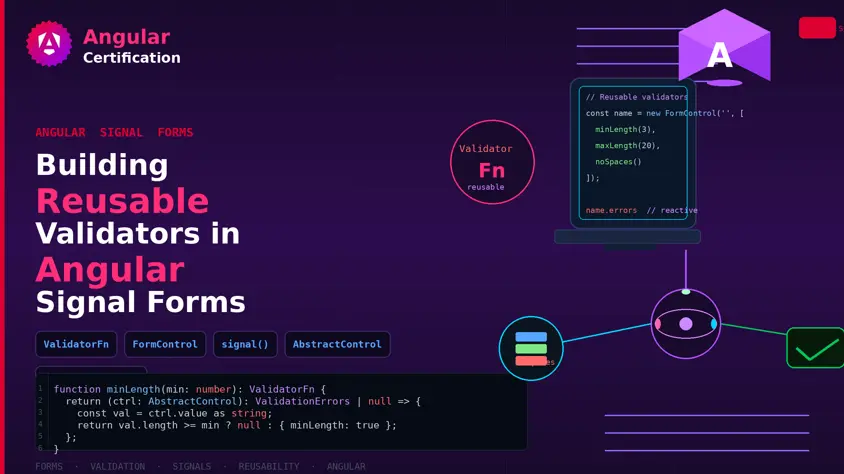
Building Reusable Validators in Angular Signal Forms
Learn how to create reusable custom validators with Angular Signal Forms, with practical examples for building flexible and maintainable form validation.
Alain Chautard
Sep 29, 2026